
Using Fireworks AI in LobeHub
Fireworks.ai is a high-performance generative AI model inference platform that allows users to access and utilize a variety of models via its API. The platform supports multiple modalities, including text and vision-language models, and offers features like function calling and JSON mode to enhance application development flexibility.
This guide will walk you through how to use Fireworks AI within LobeHub.
To configure this provider in LobeHub, open App Settings → AI Providers, select the provider, and turn on its switch.
Step 1: Obtain Your Fireworks AI API Key
- Log in to the Fireworks.ai Console
- Navigate to the
Userpage and click onAPI Keys - Create a new API key
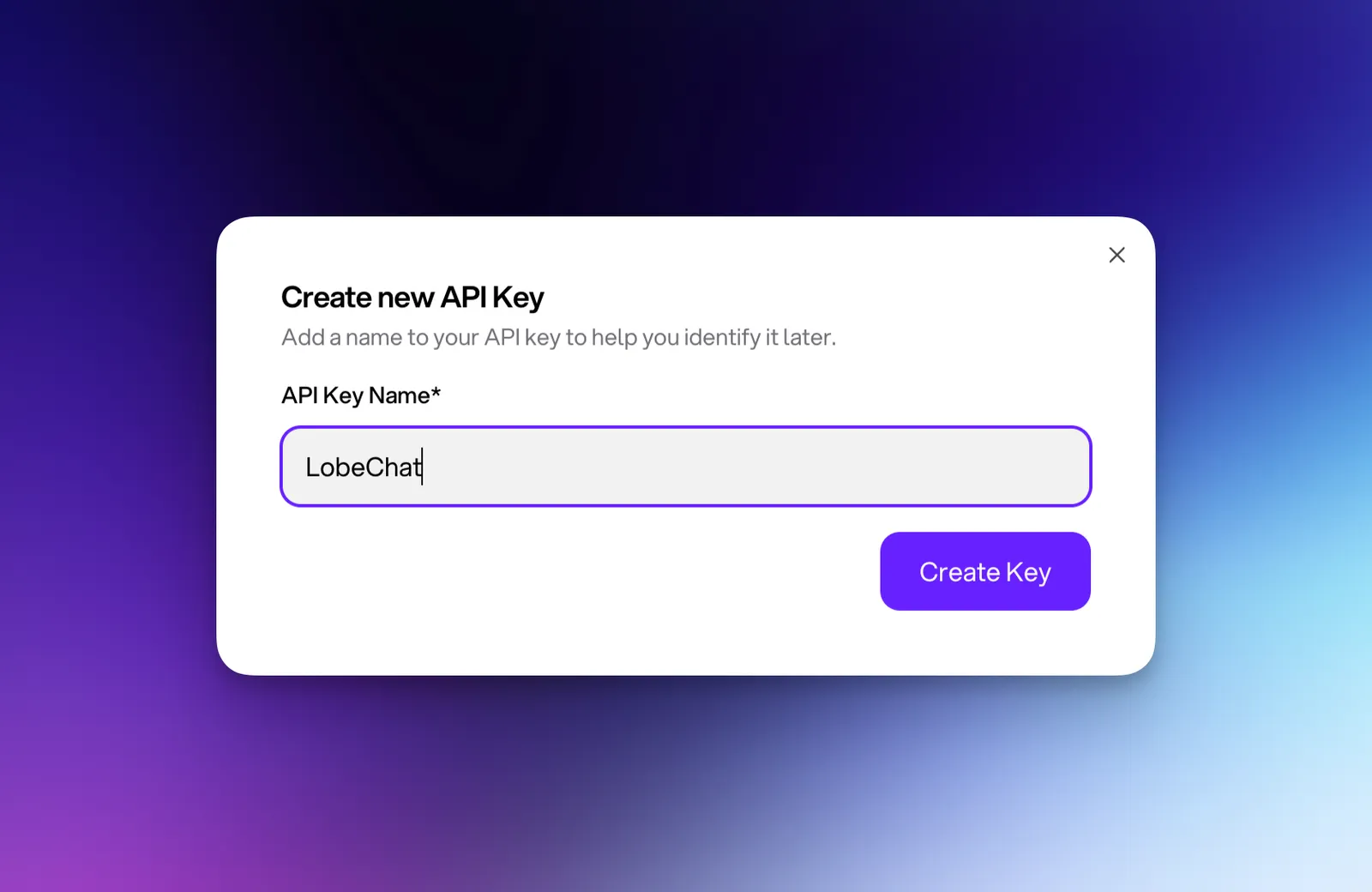
- Copy and securely save the generated API key
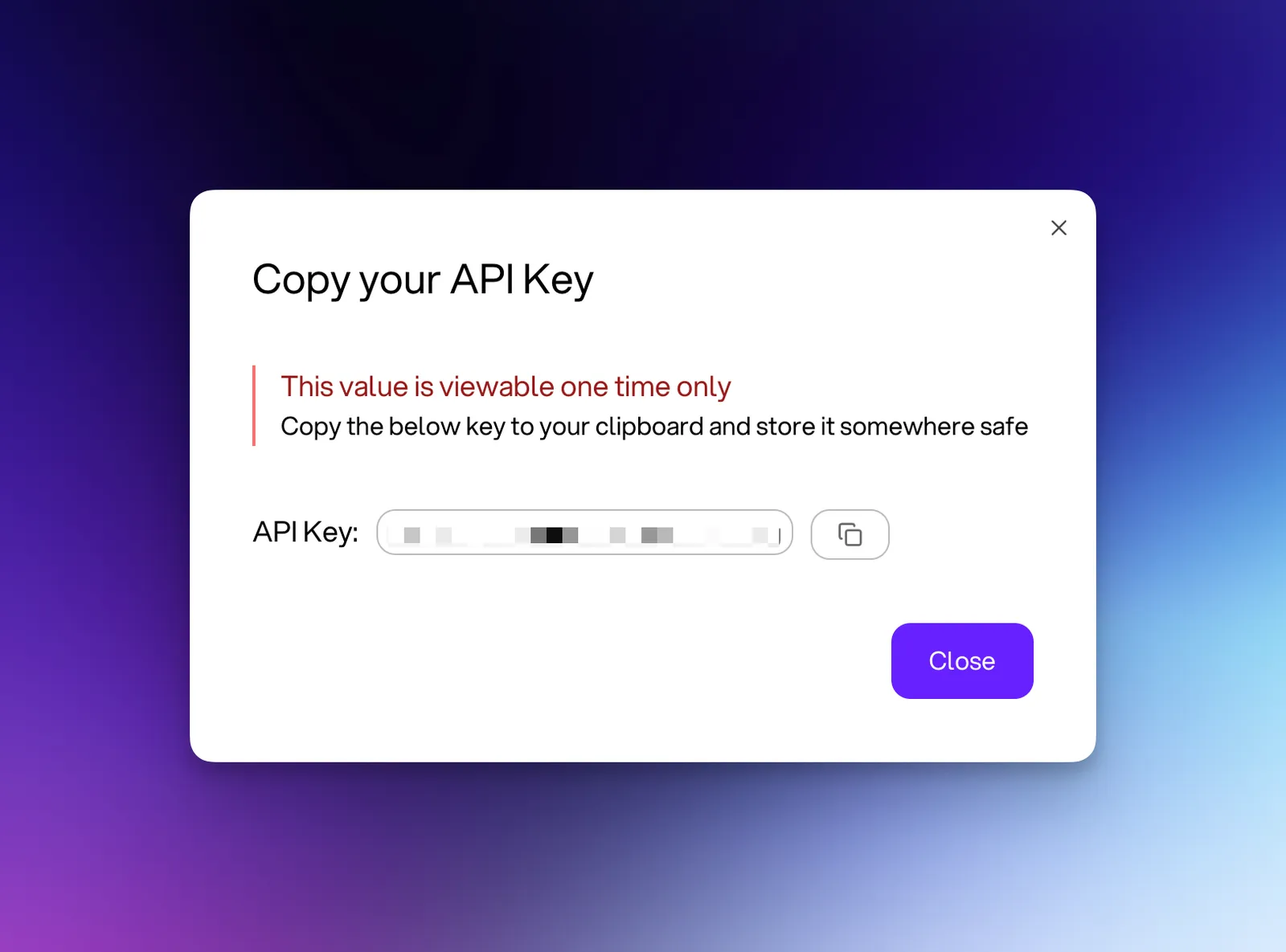
Make sure to store your API key securely, as it will only be shown once. If you lose it, you’ll need to generate a new one.
Step 2: Configure Fireworks AI in LobeHub
- Go to the
Settingspage in LobeHub - In the provider list, select the settings for
Fireworks AI
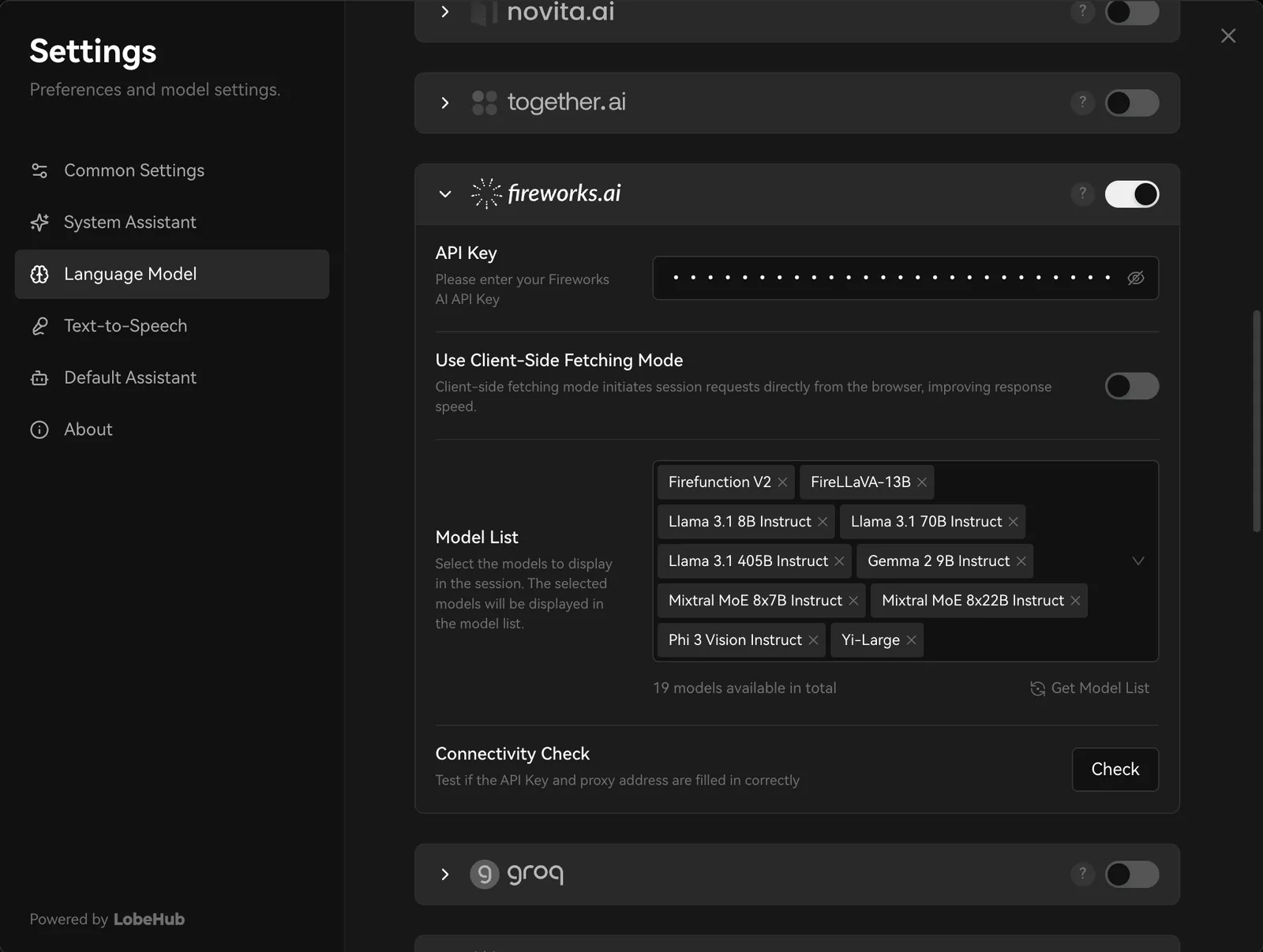
- Paste the API key you obtained earlier
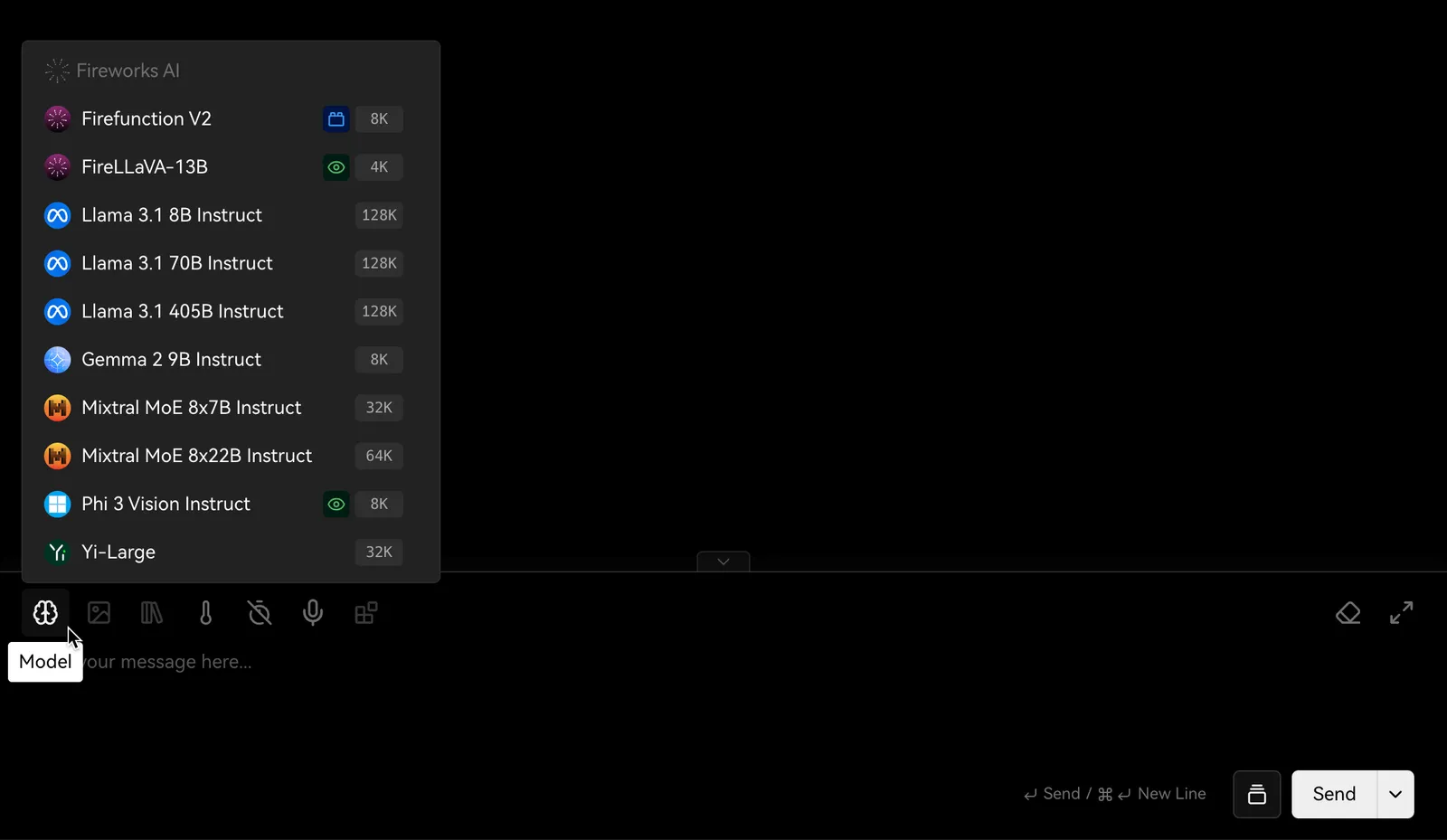
- Choose a Fireworks AI model for your AI assistant to start chatting
Please note that usage may incur charges from the API provider. Refer to Fireworks AI’s pricing policy for more details.
And that’s it! You’re now ready to start using Fireworks AI models in LobeHub for conversations and interactions.