
Using Anthropic Claude in LobeHub
The Anthropic Claude API is now publicly available. This guide will walk you through how to use Anthropic Claude in LobeHub:
Step 1: Get Your Anthropic Claude API Key
- Create an Anthropic Claude API account
- Retrieve your API key
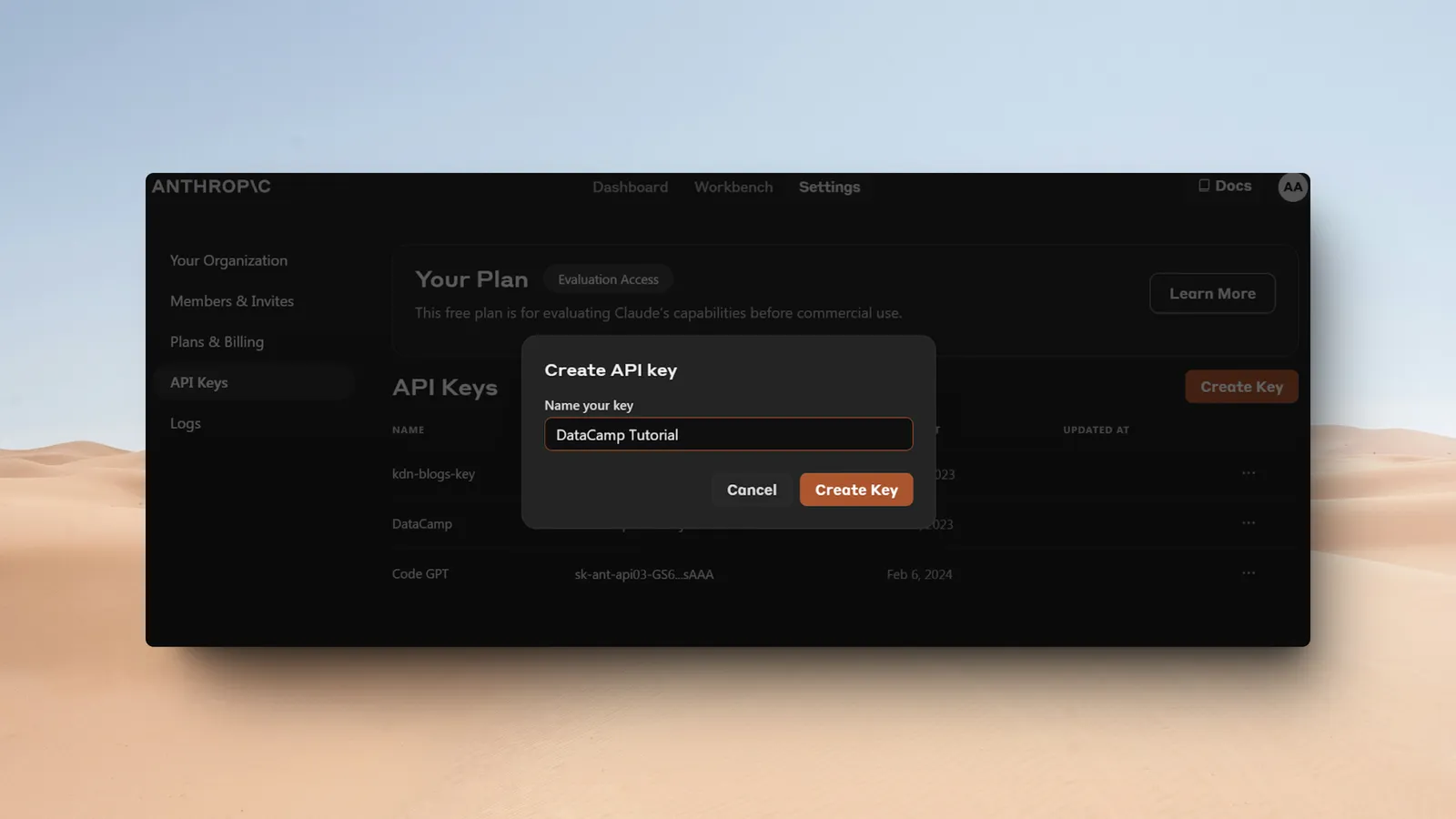
Claude API currently offers $5 in free credits. However, this is only available in select countries/regions. You can check your eligibility by visiting Dashboard > Claim.
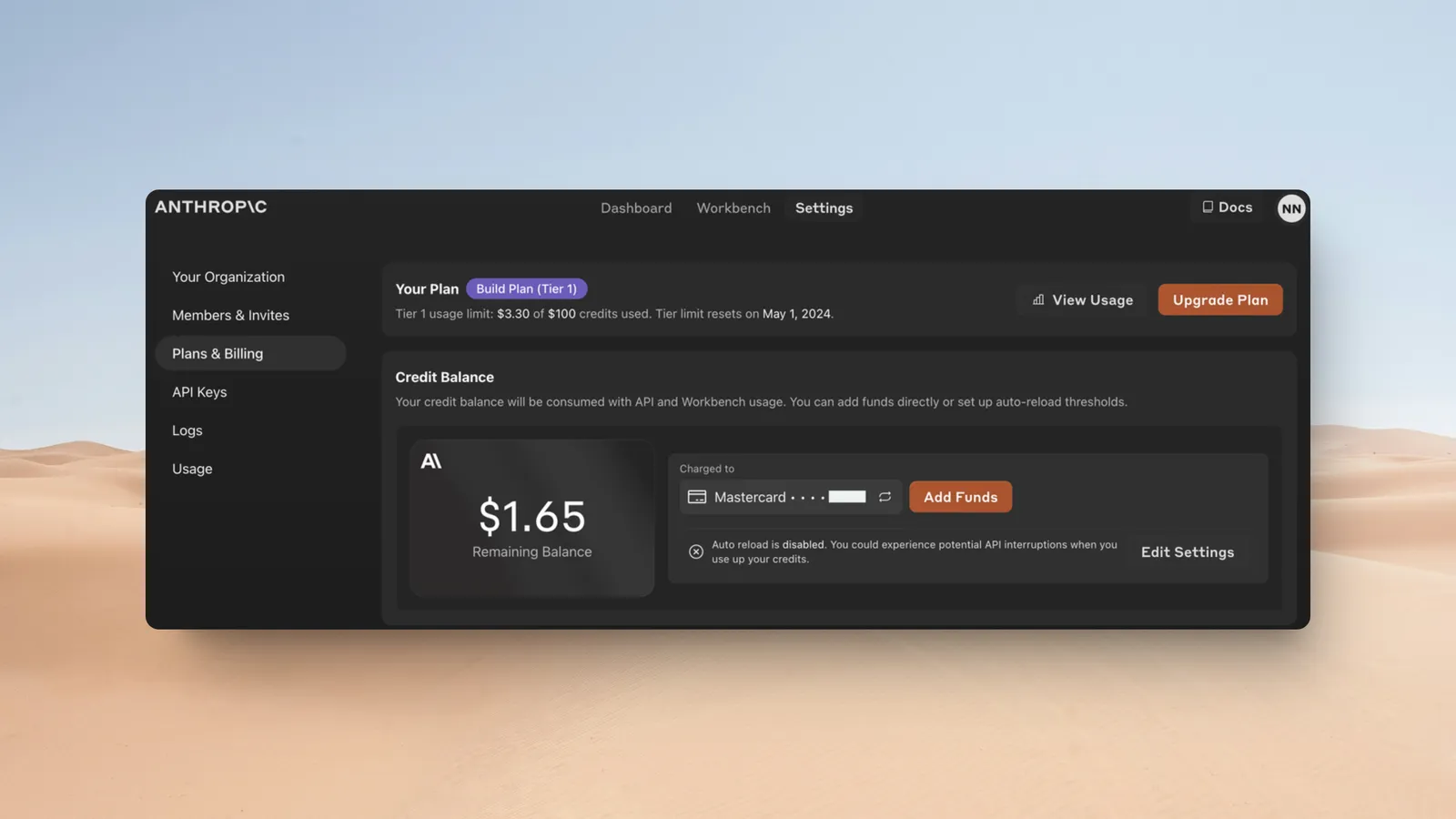
- Set up your billing to activate the API key at https://console.anthropic.com/settings/plans (Choose the "Developer" plan to add credits and pay only for what you use)
Step 2: Configure Anthropic Claude in LobeHub
- Open App Settings → AI Providers, select Anthropic, and enable the provider
- Enter the API key. If you use a proxy, enter its proxy URL
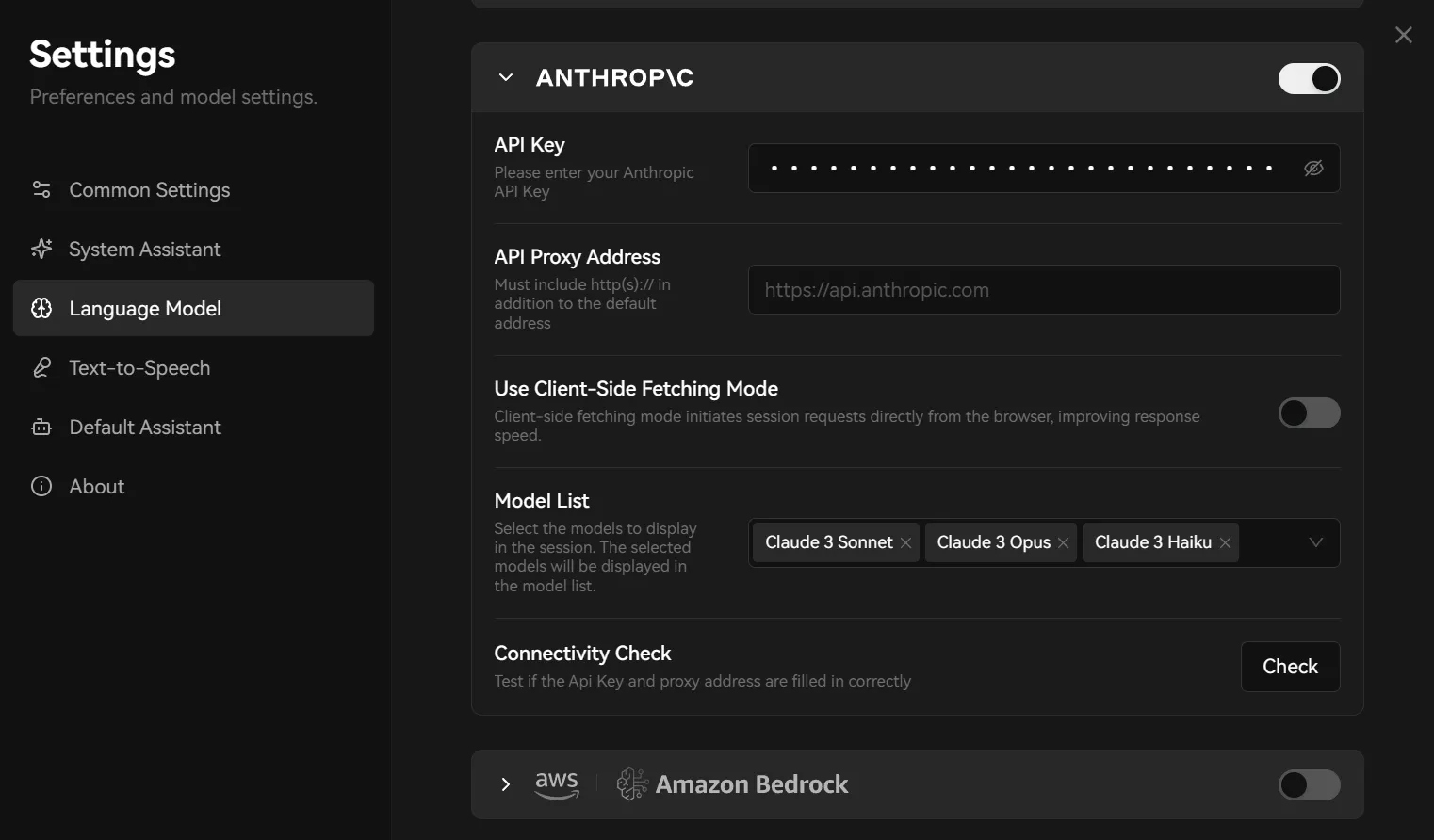
- Select Check to test the connection
- Enable the Claude models you need, then select one in the Agent settings
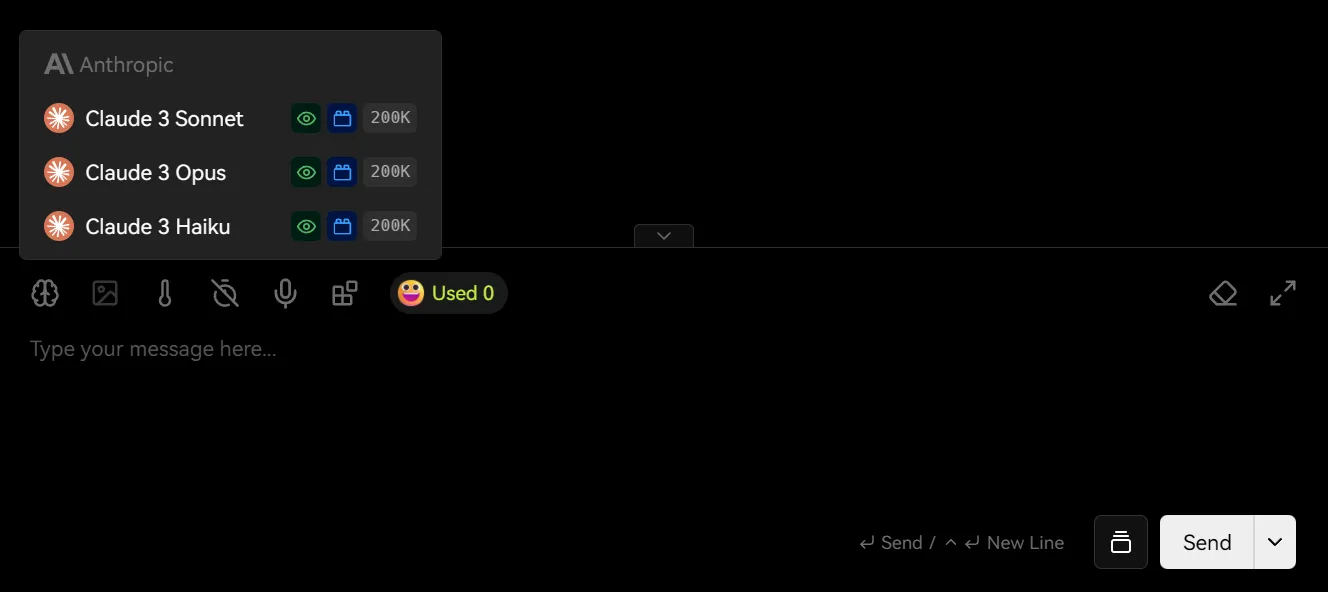
You may incur charges from the API provider during usage. Please refer to Anthropic Claude’s pricing policy for more details.
That's it! You’re now ready to use Anthropic Claude models in LobeHub for conversations.