
Using Azure OpenAI in LobeHub

This guide will walk you through how to use Azure OpenAI in LobeHub:
Step 1: Obtain Your Azure OpenAI API Key
- If you haven’t already, you’ll need to sign up for an Azure OpenAI account.
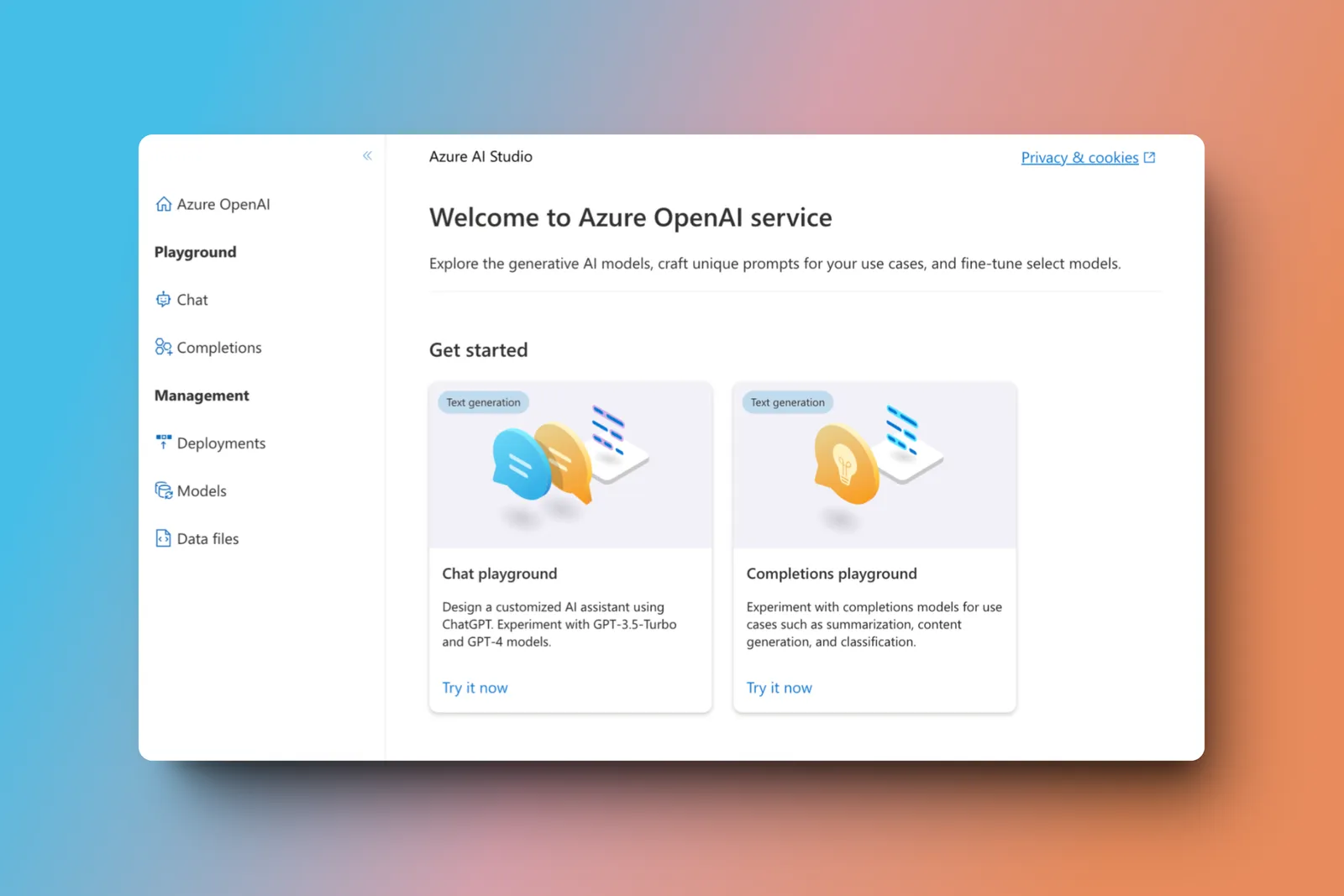
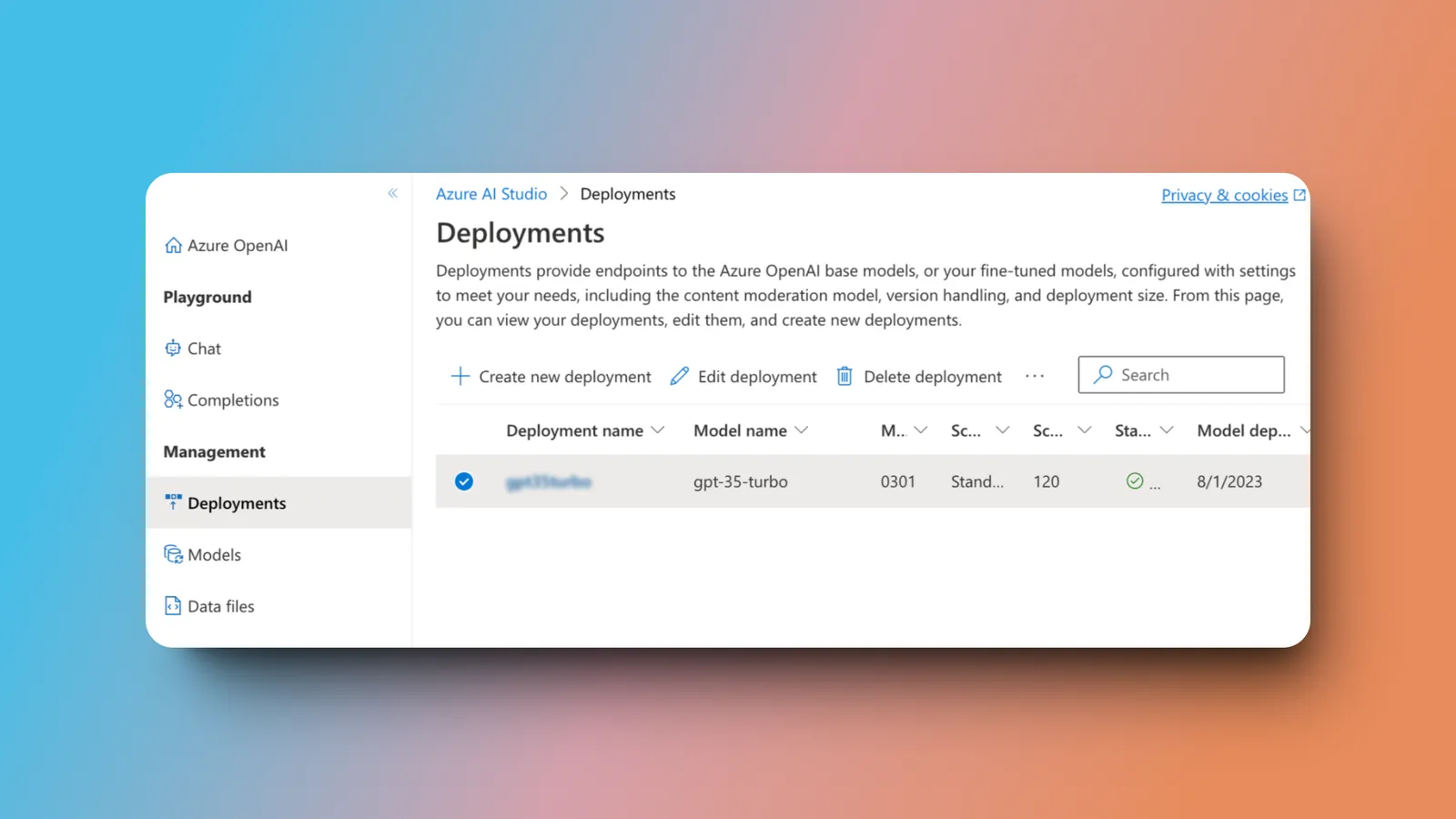
- Once registered, go to the
Deploymentspage and create a new deployment using the model of your choice.
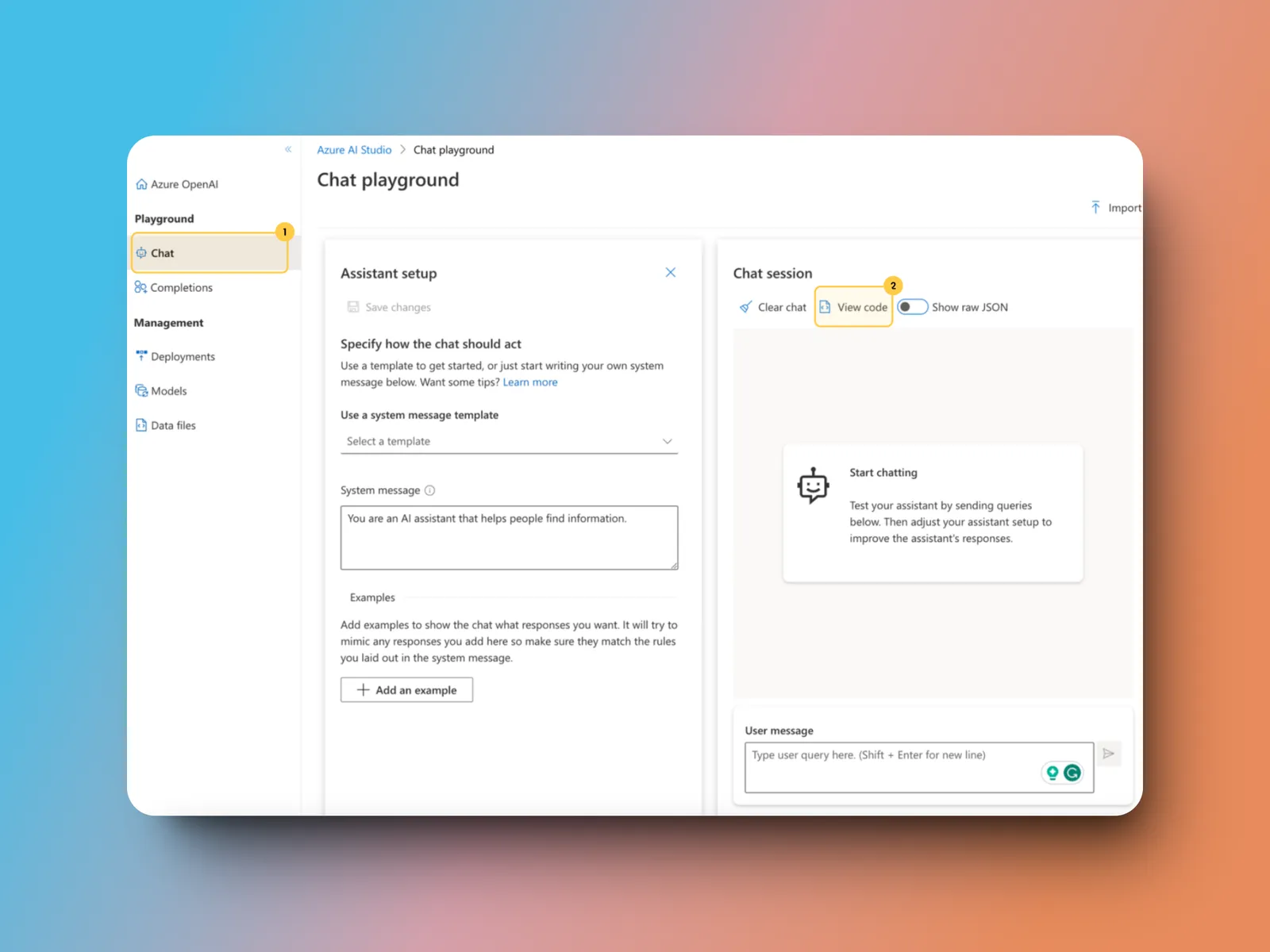
- Navigate to the
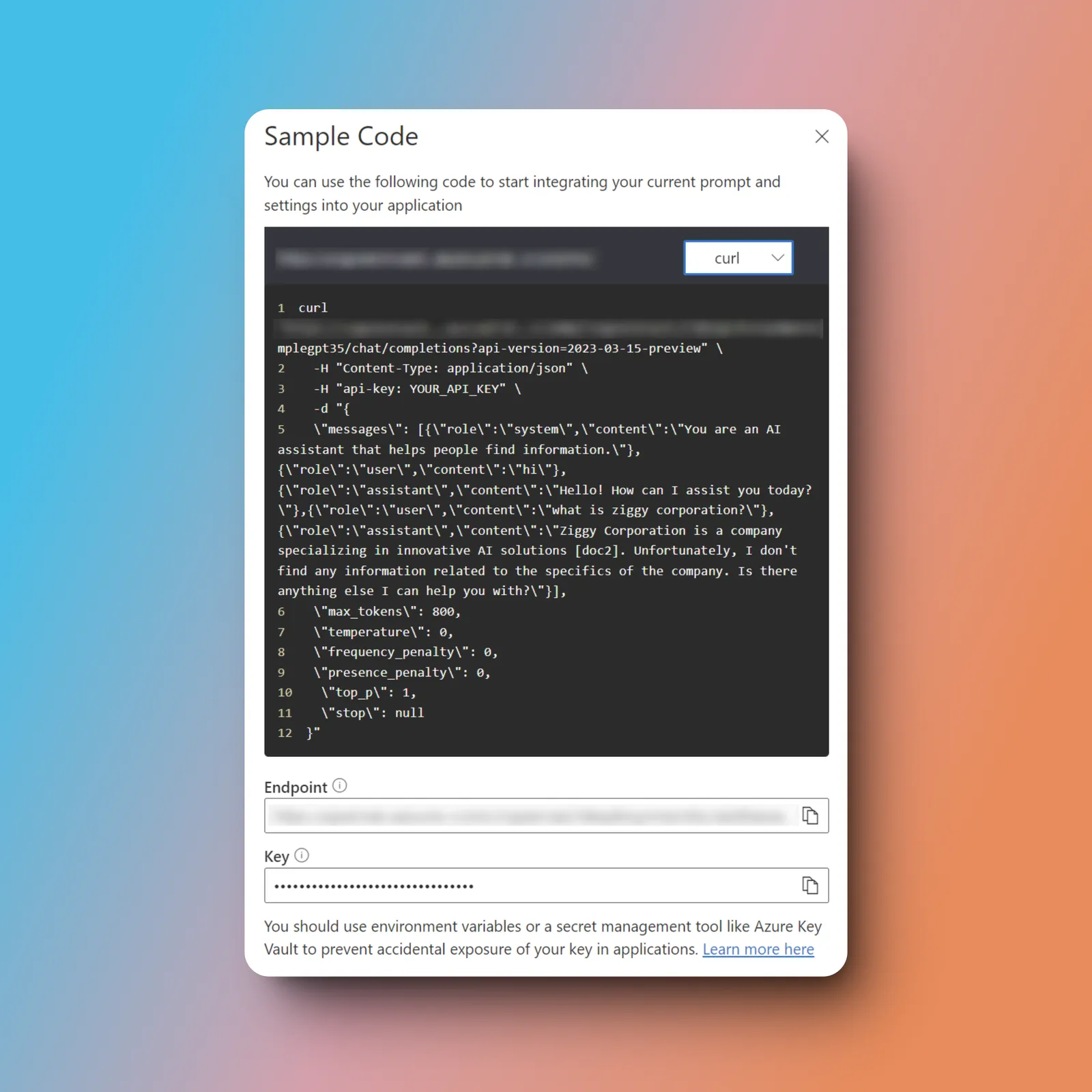
Chatpage and click onView Codeto retrieve your endpoint and API key.
Step 2: Configure Azure OpenAI in LobeHub
- Open App Settings → AI Providers, select Azure OpenAI, and enable the provider
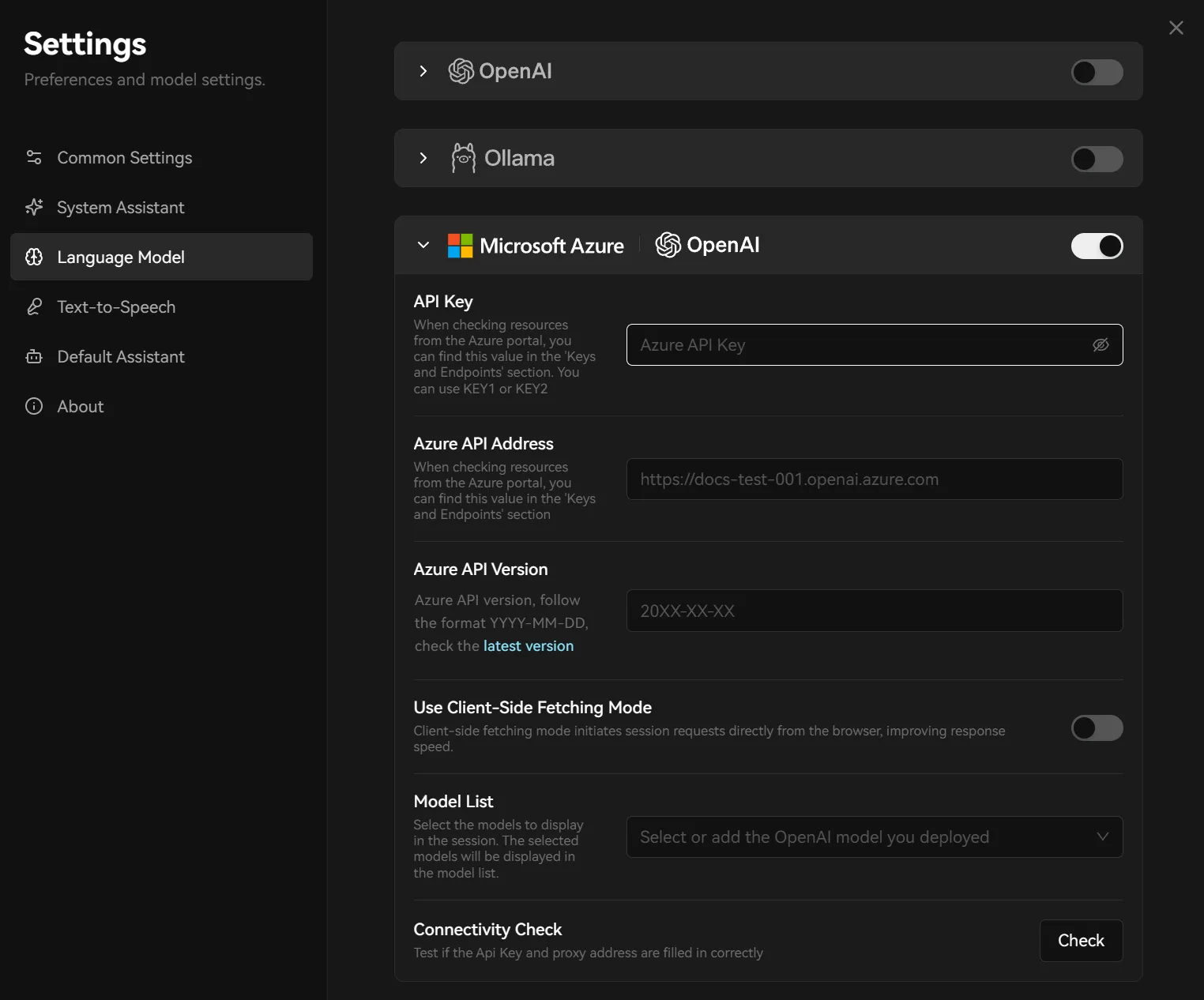
- Enter the API key and endpoint. The model ID must match the deployment name you created in Azure
- Select Check to test the connection, then enable or add the deployed model in the model list
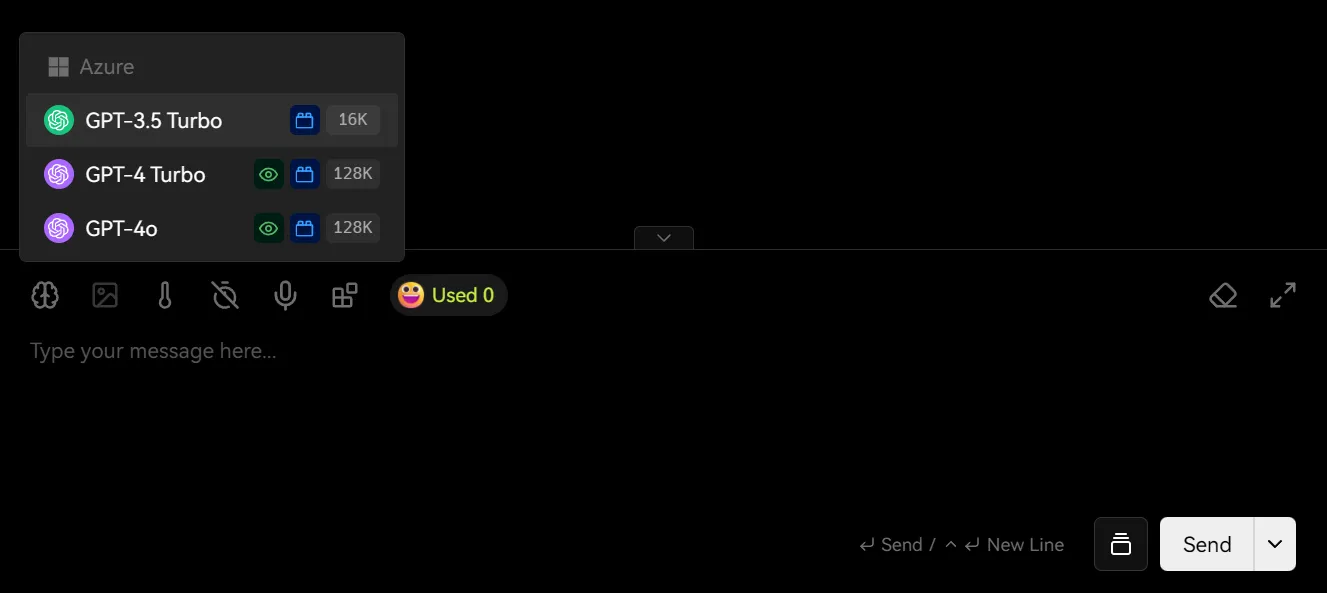
You may incur charges from the API provider while using the service. Please refer to Azure OpenAI’s pricing policy for more details.
And that’s it! You’re now ready to start chatting with models powered by Azure OpenAI in LobeHub.