
Using DeepSeek in LobeHub
DeepSeek is a cutting-edge open-source large language model (LLM). The latest versions, DeepSeek V4 Pro and DeepSeek V4 Flash, feature significant architectural and performance improvements, particularly in reasoning capabilities. Through innovative training methods and reinforcement learning techniques, DeepSeek has achieved near state-of-the-art performance, rivaling top-tier models from OpenAI.
This guide will walk you through how to use DeepSeek in LobeHub:
Step 1: Get Your DeepSeek API Key
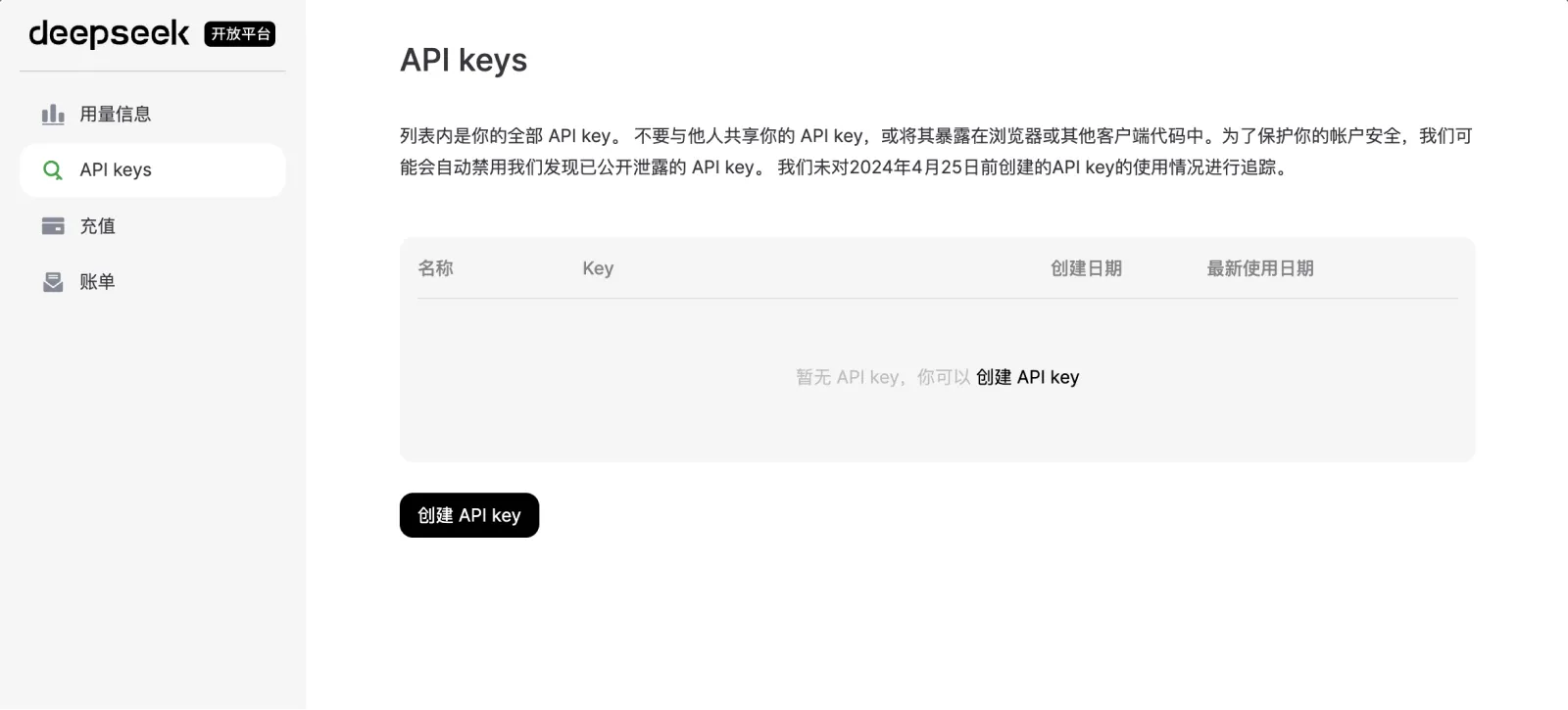
- First, sign up and log in to the DeepSeek Open Platform
- Navigate to the
API keyssection and clickCreate API Key
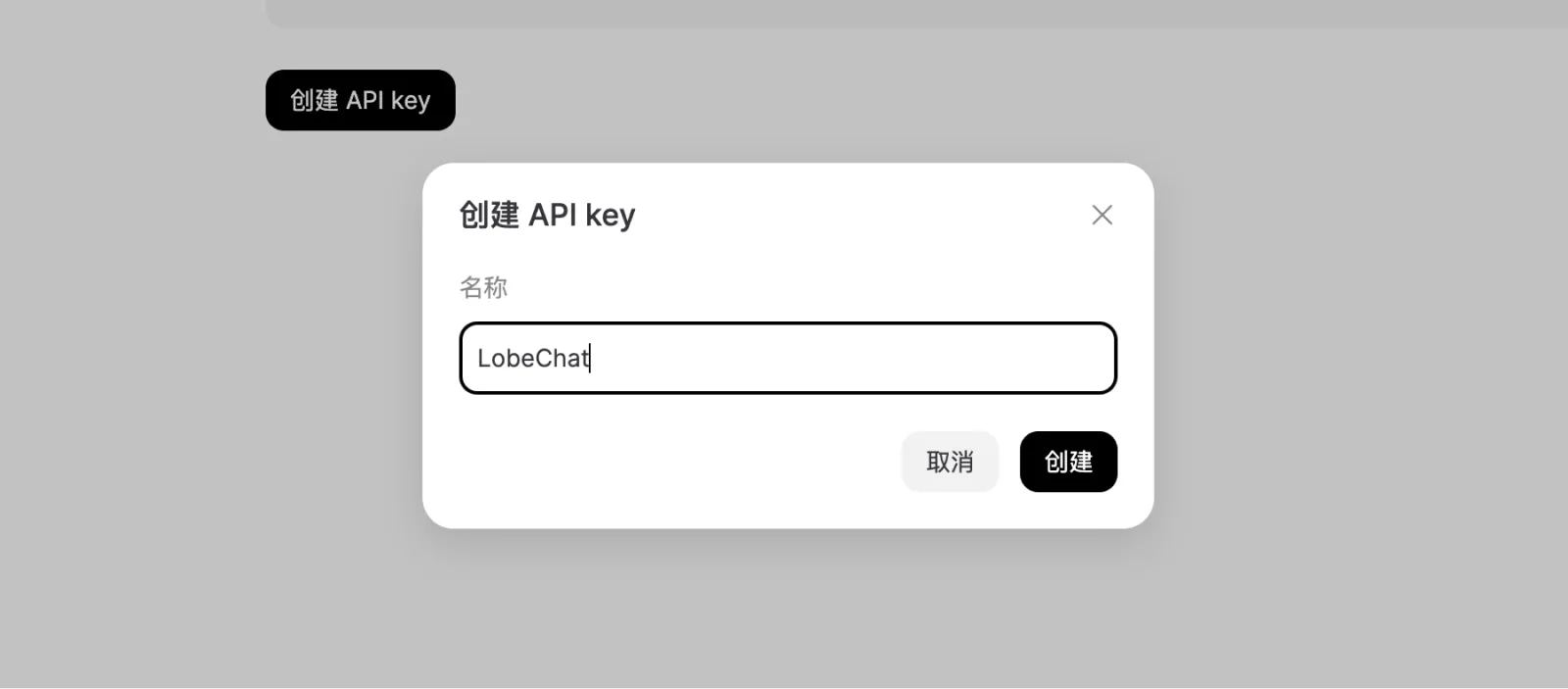
- Enter a name for your API key in the pop-up dialog
- Copy the generated API key and store it securely
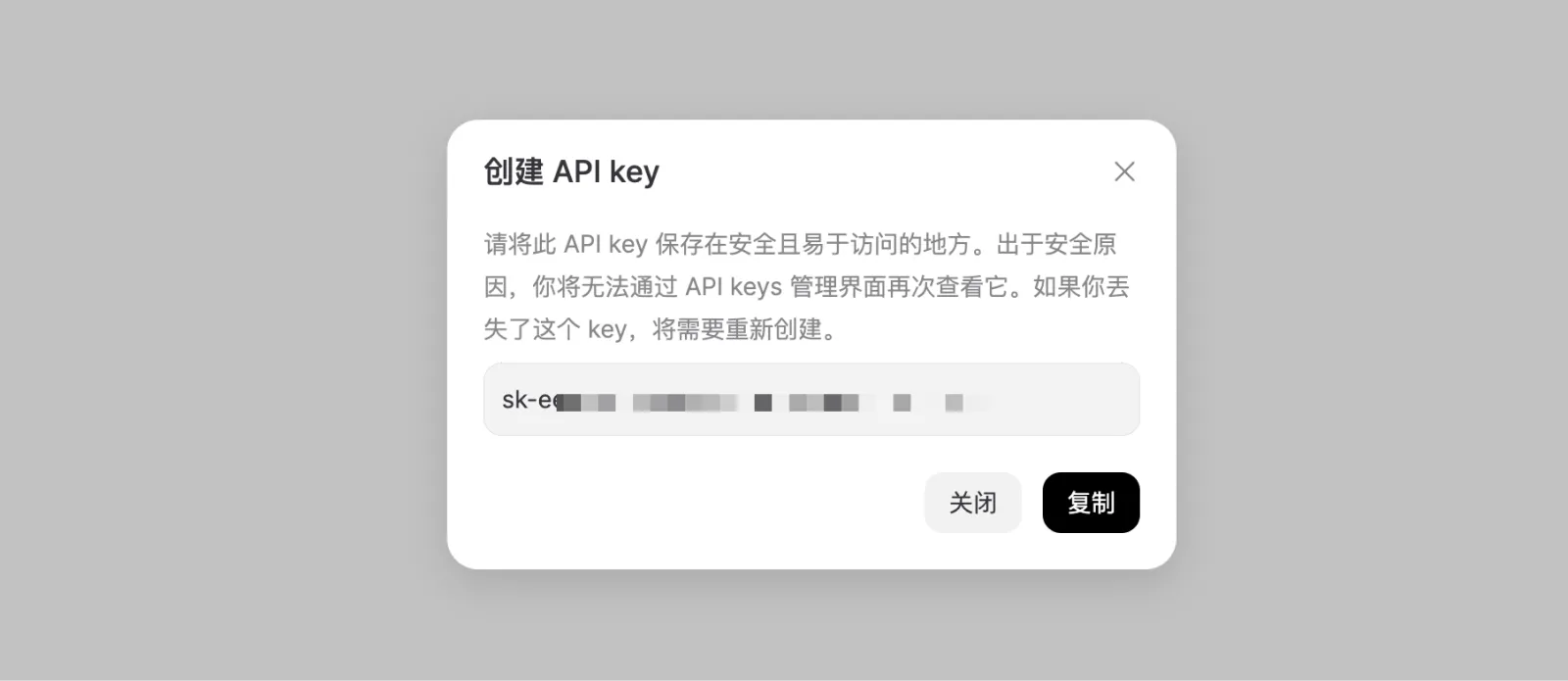
Make sure to store your key securely, as it will only be shown once. If you lose it, you’ll need to generate a new one.
Step 2: Configure DeepSeek in LobeHub
- Open App Settings → AI Providers, select DeepSeek, and enable the provider
- Enter the API key. If you use a proxy or compatible endpoint, enter its proxy URL
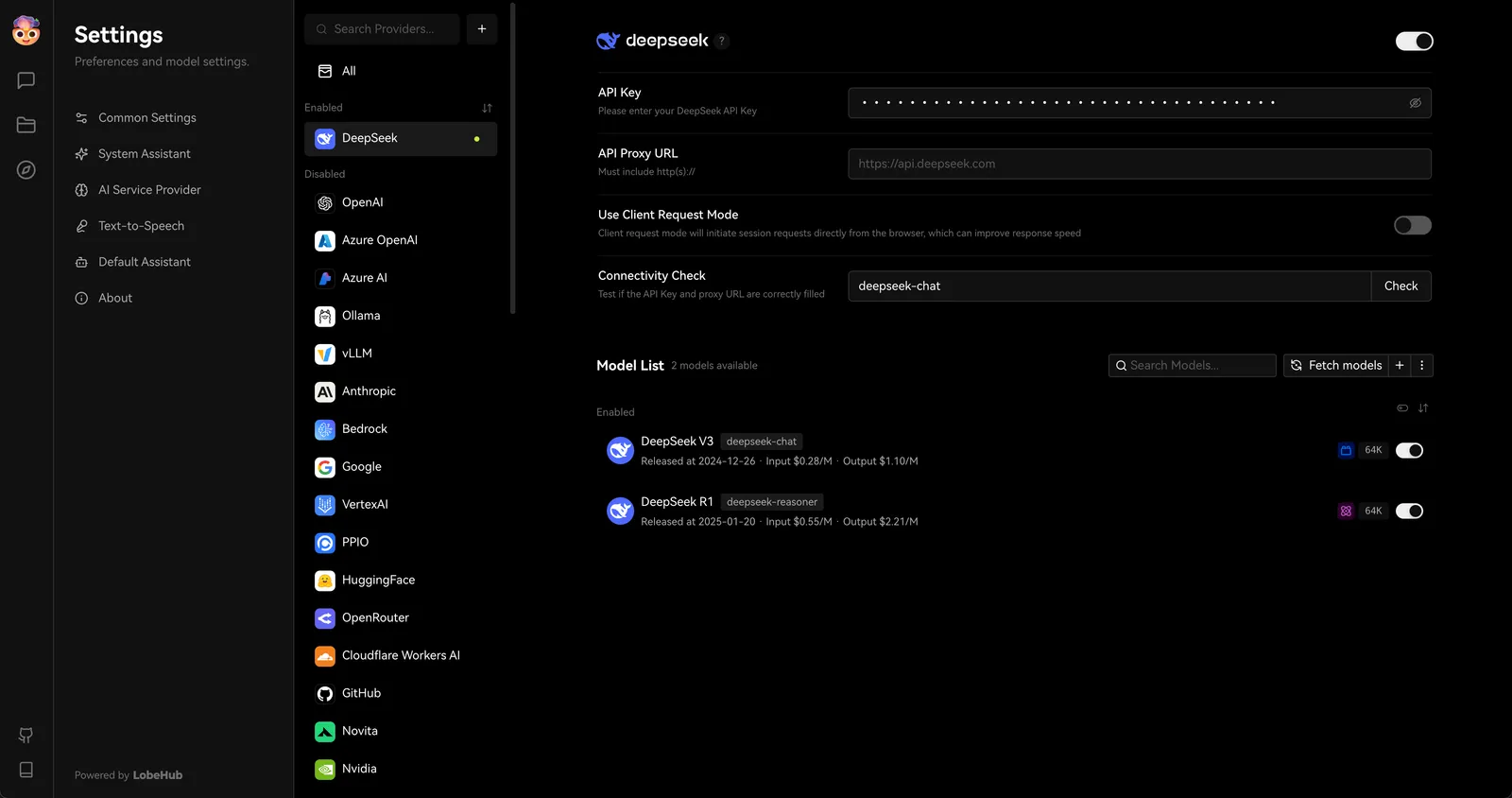
- Select Check to test the connection
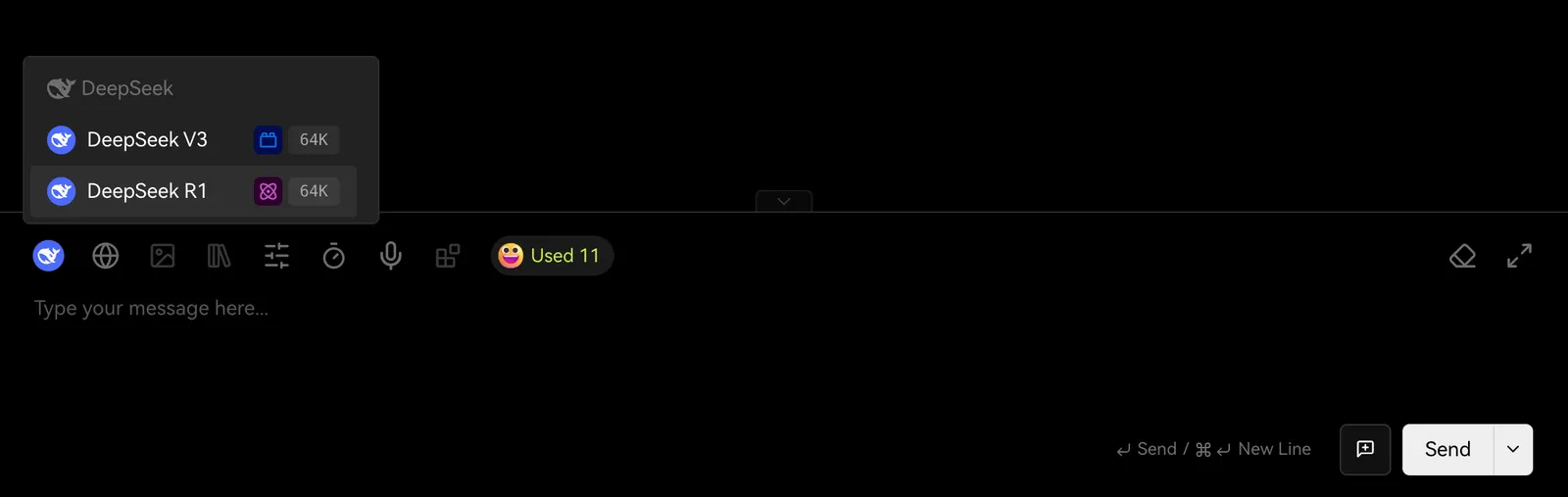
- Enable the DeepSeek models you need, then select one in the Agent settings
You may incur charges from the API provider during usage. Please refer to DeepSeek’s pricing policy for details.
And that’s it! You’re now ready to start chatting with DeepSeek-powered models in LobeHub.