
Using Fal in LobeHub
Fal.ai is a high-performance inference platform specializing in AI media generation. It offers state-of-the-art image generation and editing models such as FLUX, Seedream, and Qwen Image. This guide will walk you through how to use Fal within LobeHub:
To configure this provider in LobeHub, open App Settings → AI Providers, select the provider, and turn on its switch.
Step 1: Obtain Your Fal API Key
- Sign up for a Fal.ai account;
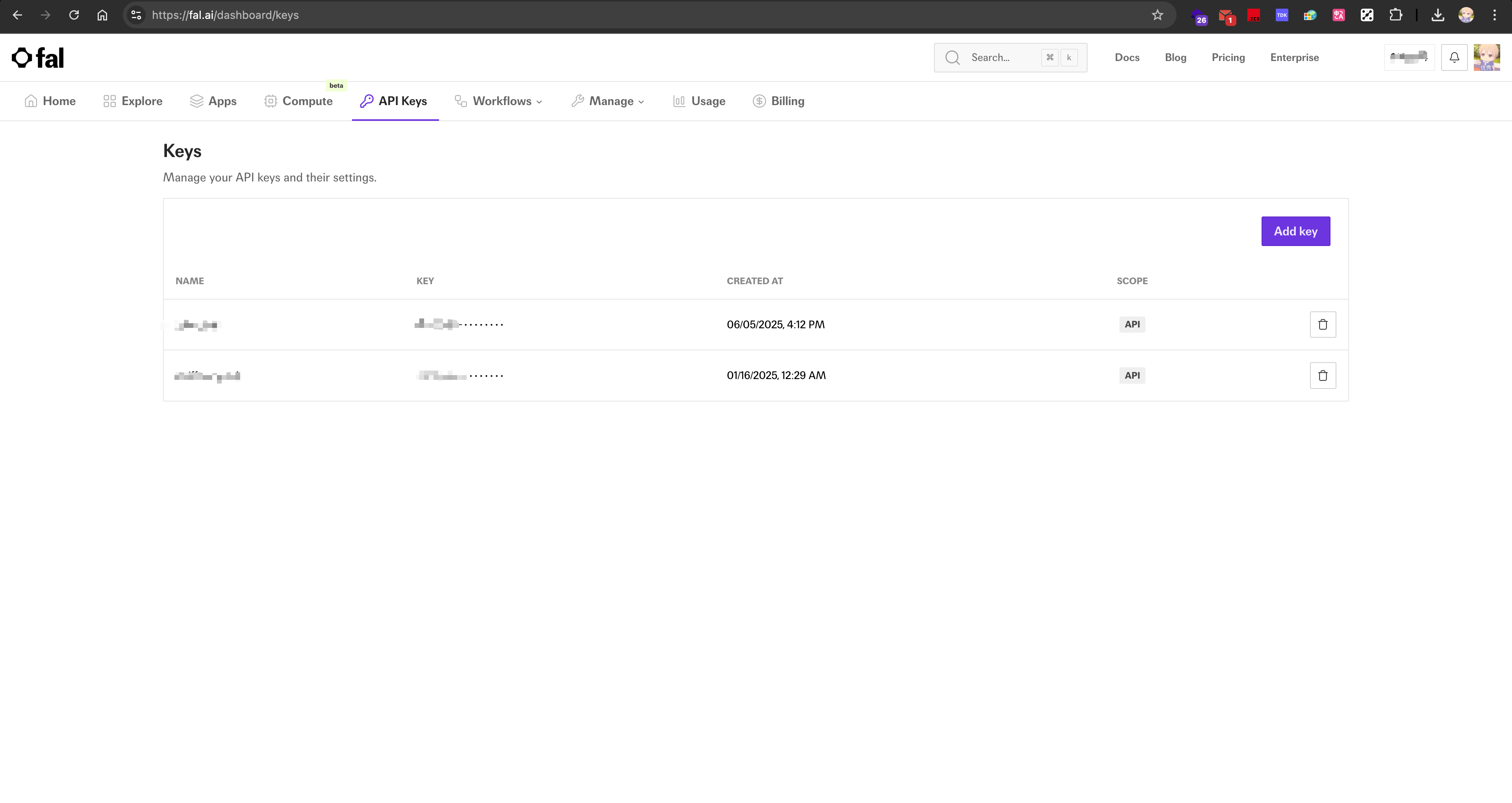
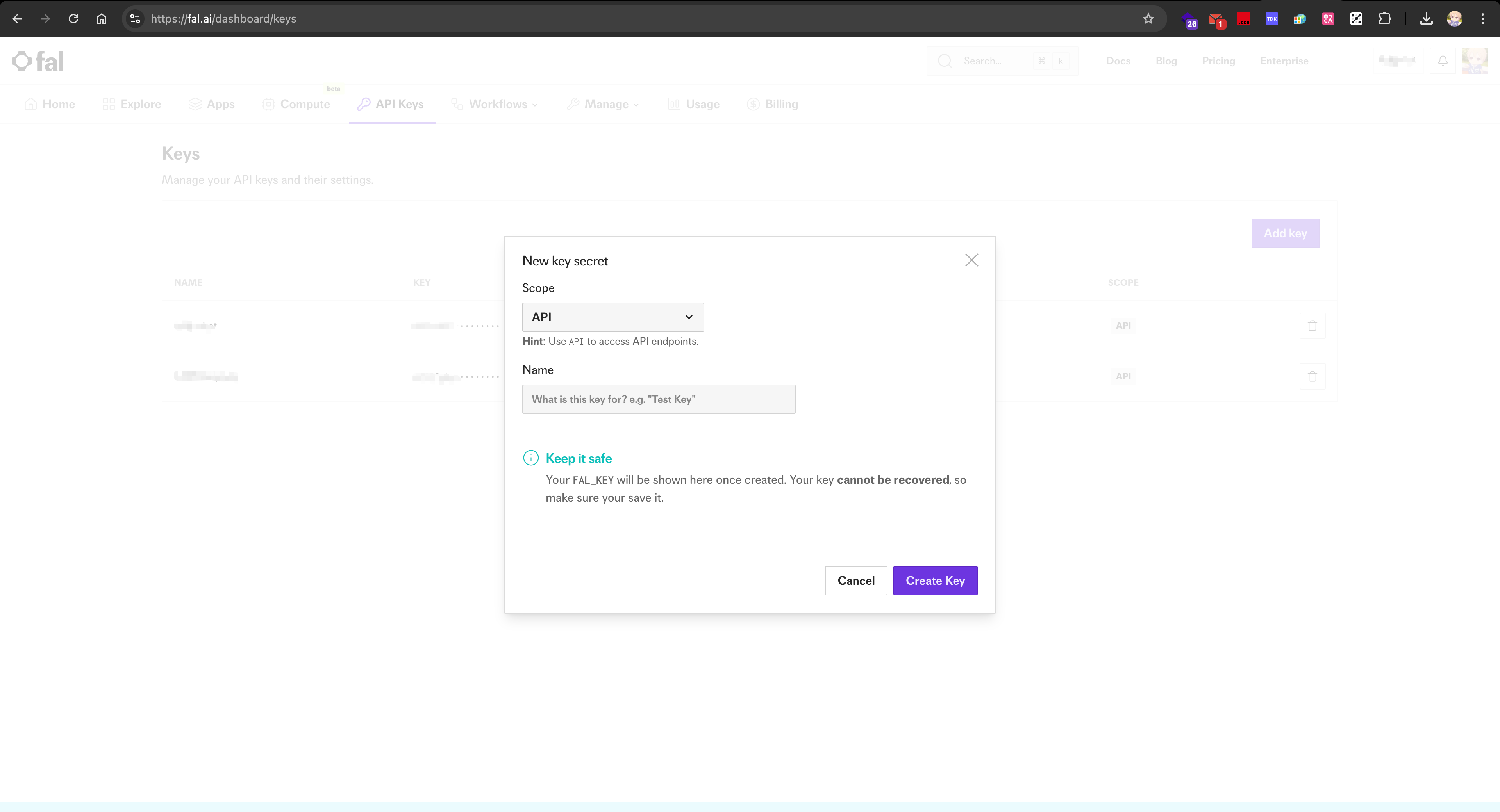
- Go to the API Keys Dashboard and click Add key to create a new API key;
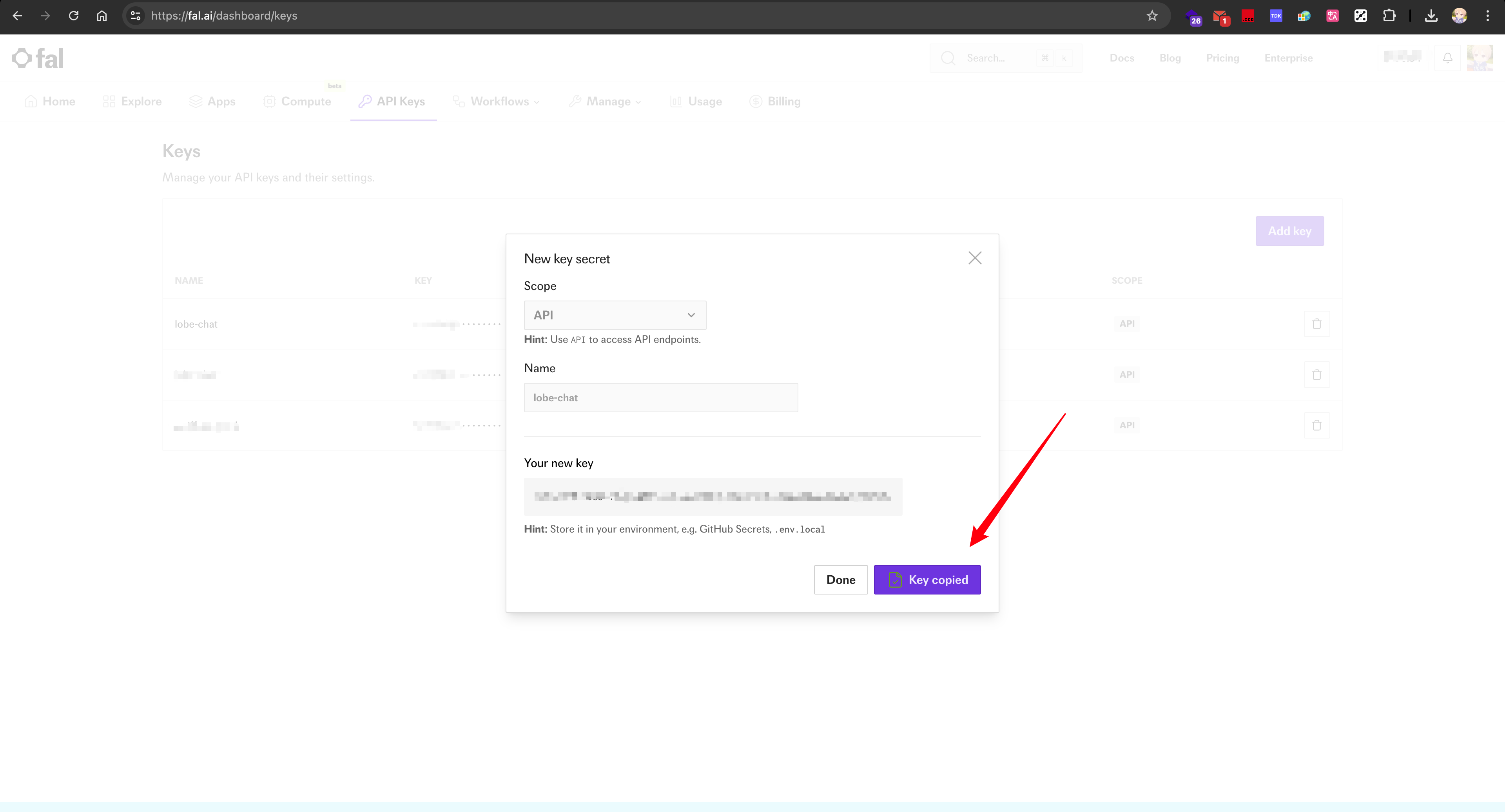
- Copy the generated API key and store it securely — it will only be shown once.
Step 2: Configure Fal in LobeHub
- Navigate to the
Settingspage in LobeHub; - In the provider list, select the configuration section for
Fal;
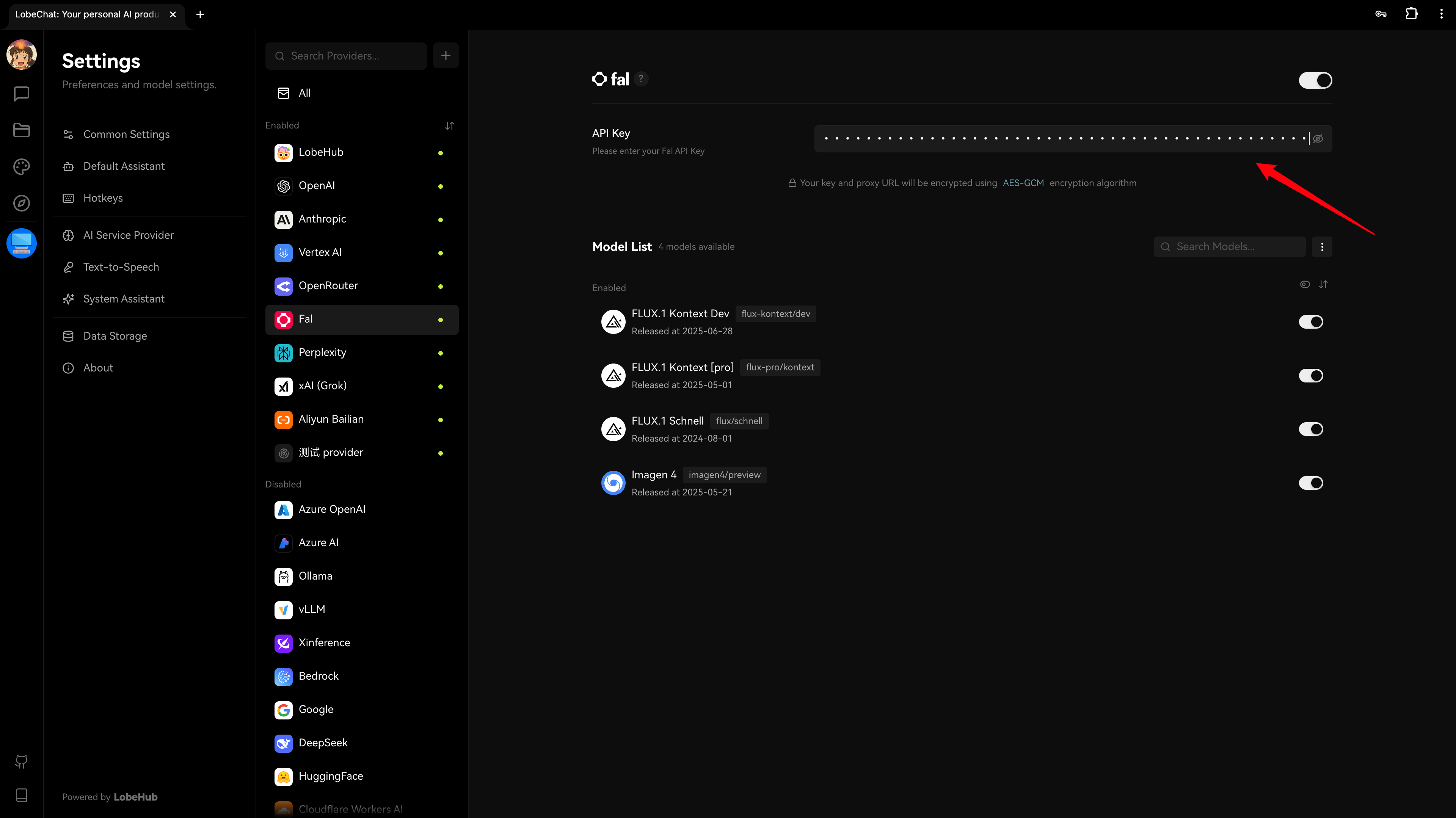
- Paste the API key you obtained earlier;
- Choose a Fal model (e.g.,
Flux.1 Schnell,Flux.1 Kontext Dev) for image generation.
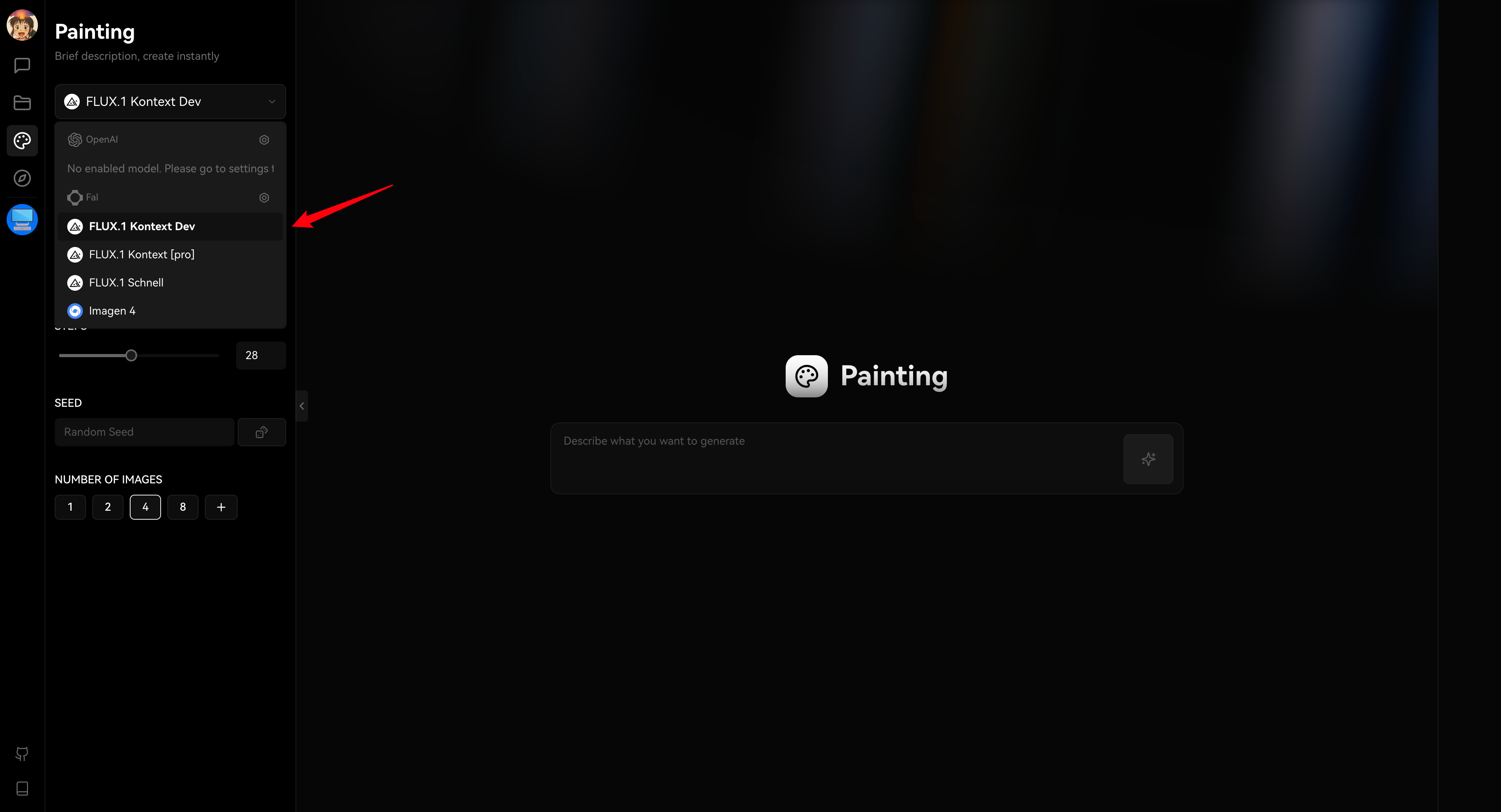
Please note that using Fal may incur charges. Be sure to review Fal’s official pricing policy before making extensive API calls.
And that’s it! You’re now ready to create stunning visual content in LobeHub using Fal’s advanced image generation models.