LobeHub
LobeHub

Changelog

Track new features, fixes, and improvements in LobeHub.

Image Generation, Desktop, and Auth Updates 🎨
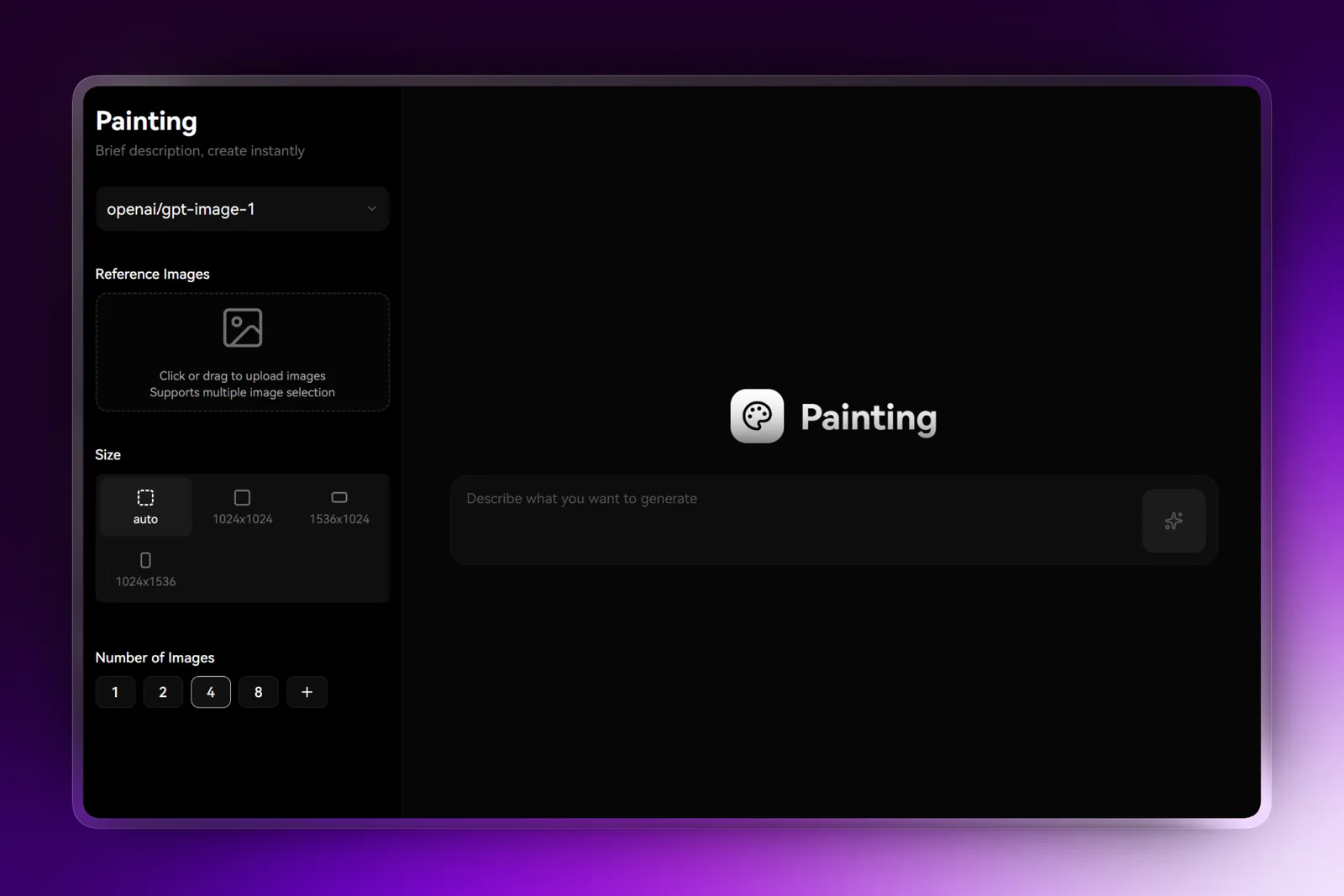
Image Generation, Desktop, and Auth Updates 🎨

From July through August, LobeHub shipped AI image generation, expanded identity and access options, and kept refining the desktop experience. The common thread is practical capability you can use immediately—more ways to create visuals, easier connections to existing systems, and smoother day-to-day workflows on desktop.

Generate images your way

LobeHub now supports AI image generation through Google Imagen, Qwen, Zhipu CogView4, and MiniMax. Pick the provider that matches your quality, speed, and budget preferences without changing your overall workflow.

Use this to:

  • Generate visuals directly in chat without switching tools
  • Compare outputs across providers for the same prompt
  • Route image requests based on your current project needs

Connect to existing identity systems

Authentication now extends to Amazon Cognito, Google SSO, and Okta. If your organization already runs on these systems, connecting LobeHub is now a configuration step rather than a migration project.

This release also adds authentication support for Streamable HTTP MCP servers, and the API Key management interface is now fully functional for creating, managing, and rotating keys.

Desktop and model updates

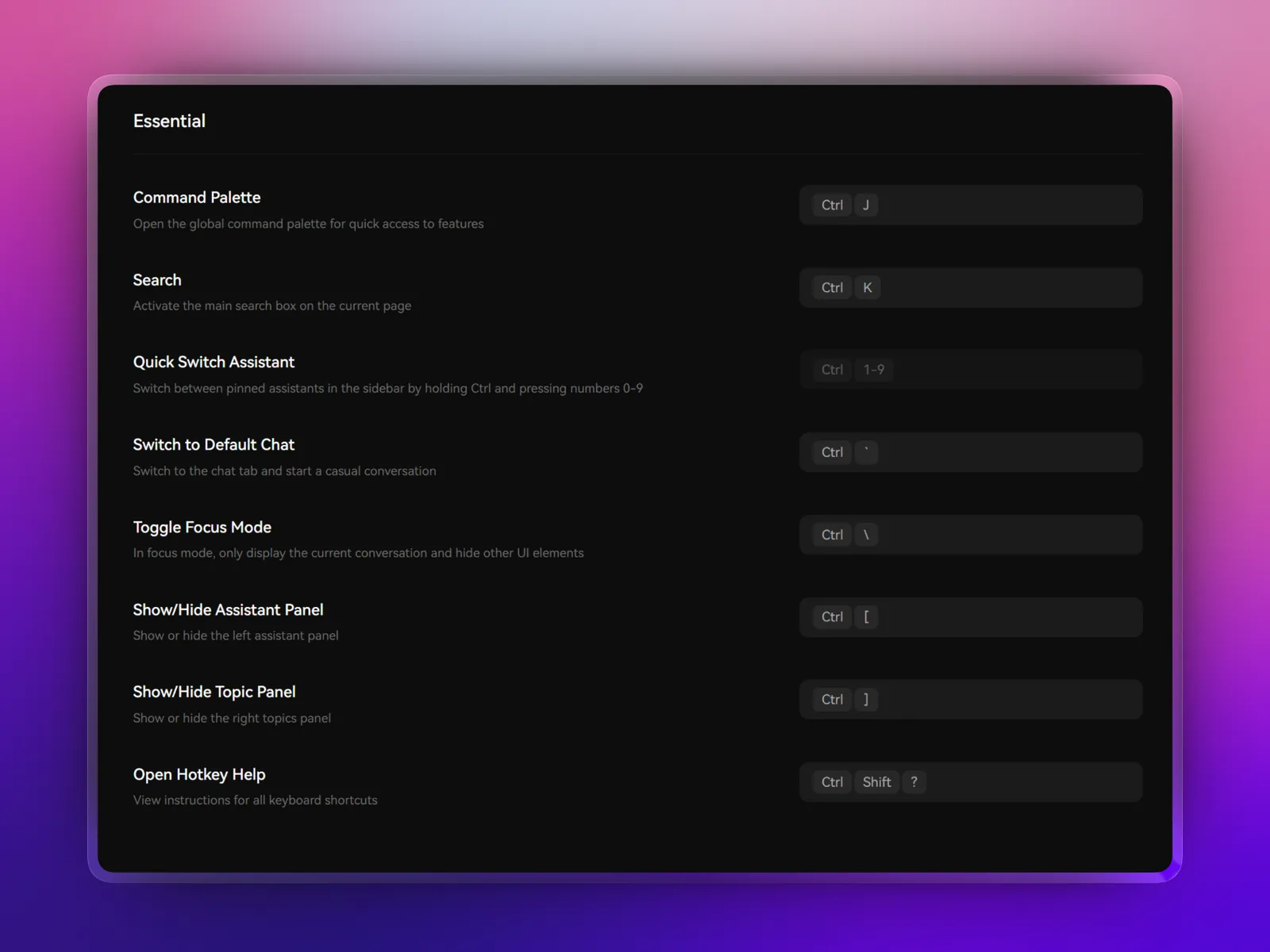
Desktop improvements include network proxy configuration, custom hotkey support, OAuth flow refinements, and remote chat capabilities. These changes make the desktop app more adaptable across different network environments and team setups.

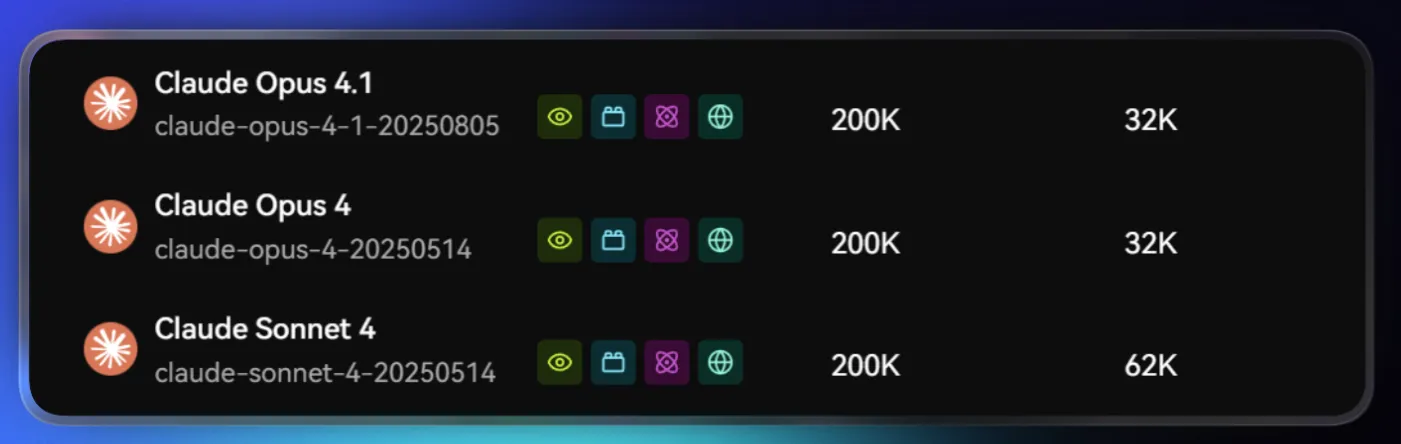
The model library expands with Claude Opus 4.1, Grok-4, Kimi K2, and Ollama gpt-oss, plus updates to Gemini 2.5 Flash-Lite GA, Hunyuan A13B thinking, and Doubao reasoning models.

Improvements and fixes

  • Added desktop notifications
  • Refined settings window layout
  • Improved multi-monitor behavior
  • Enhanced MCP plugin invocation and rendering
  • Fixed Gemini Artifacts line-break issues
v1.109.1 ~ v1.97.10

MCP Marketplace and Search Provider Expansion 🔍

MCP Marketplace and Search Provider Expansion 🔍

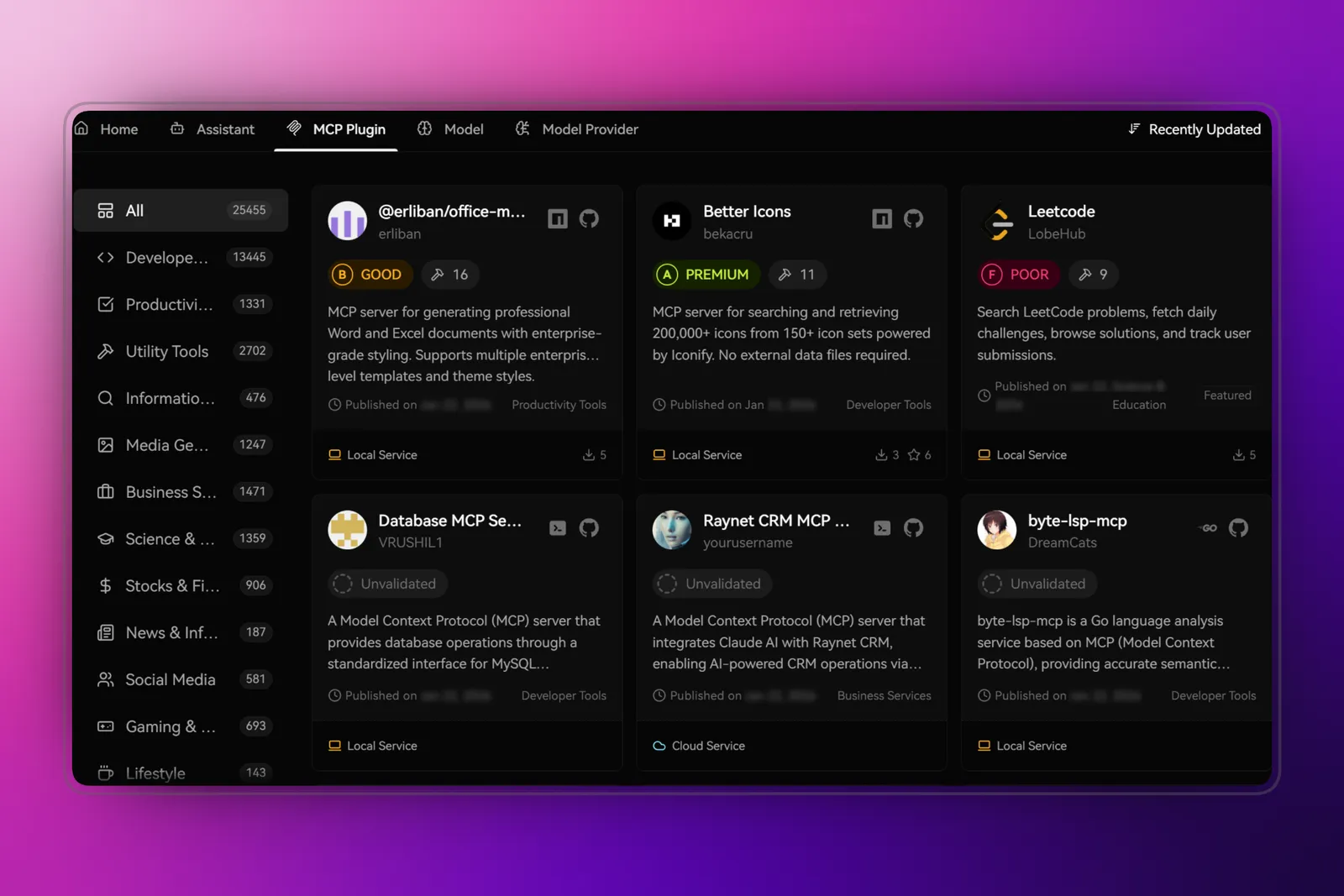
From June through July, LobeHub focused on two things: making tools easier to discover and making search more flexible. The new MCP Marketplace brings one-click plugin installation to desktop, while expanded search providers and authentication options give teams more choice in how they work.

MCP Marketplace: discover and install tools faster

Finding and installing MCP plugins used to require manual setup. Now the MCP Marketplace brings one-click installation directly to the desktop app. Browse available tools, see what they do, and add them to your workspace without leaving the interface.

This makes the plugin ecosystem more accessible—especially for teams who want to extend their Agents without diving into configuration files or command-line steps.

More ways to search and authenticate

Search coverage now includes Brave, Google PSE, and Kagi as built-in options, plus Vertex AI Google Search Grounding for grounded generation workflows. You can choose the provider that fits your accuracy, speed, and privacy needs.

On the authentication side, Amazon Cognito and Google SSO are now available as identity providers. Teams already using these systems can connect LobeHub without adding another set of credentials. Page access protection is also included, so you can control who sees what based on their sign-in status.

Runtime improvements

This cycle also brings v0 (Vercel) provider support and an analytics event-tracking framework for better visibility into usage patterns.

Improvements and fixes

  • Refined mobile model selector layout and text overflow handling
  • Improved loading animation transitions
  • Optimized Gemini thinkingBudget configuration and reasoning_effort parameter handling
  • Added Browserless blockAds and stealth parameters for cleaner search results
  • Fixed Mermaid rendering issues in Firefox
  • Improved multi-monitor window opening behavior on desktop
  • Fixed theme-related edge cases and optimized chunked loading
  • Added transition animation toggle for response rendering
v1.97.10 ~ v1.93.3

Prompt Variables and Claude 4 Reasoning Model Support

Prompt Variables and Claude 4 Reasoning Model Support

From May through June, LobeHub focused on making repeated workflows easier to run. Prompt variables let you reuse prompt structures with different inputs. Claude 4 support brings the latest reasoning capabilities with integrated web search. Expanded crawling and file handling round out the update.

Reusable prompts with variables

You can now use placeholder variables in prompts and the input box. The same prompt structure can be reused with different dynamic values, reducing manual editing when you run similar tasks repeatedly.

In practice, this works well for:

  • Templates that need a name, date, or topic inserted each time
  • Structured analysis where only the source material changes
  • Repeated workflows with consistent formatting but variable content

Variables are defined with simple syntax and filled in at runtime, so you spend less time retyping and more time getting results.

Claude 4 with web search and beta features

Anthropic Claude 4 reasoning models are now fully integrated. The implementation includes Web Search tool support and Beta Header compatibility, so Claude 4 can use the same reasoning and retrieval capabilities that power other advanced workflows.

This means you can:

  • Run complex reasoning tasks with transparent chain-of-thought
  • Combine reasoning with live web retrieval in a single conversation
  • Access the latest Claude capabilities as they become available

Broader provider and content support

ModelScope joins the provider lineup, expanding the range of models available without changing how you work. Search and crawling support has been extended across more platforms for better content coverage.

File uploads now work directly in chat context, with improved parsing for PDF and XLSX files. This makes it easier to reference documents and spreadsheets within ongoing conversations.

Access control and security improvements

Protected page access has been added for sensitive workflows. Clerk middleware route protection has been improved to handle authentication edge cases more reliably.

Improvements and fixes

  • Enhanced PDF and XLSX content extraction accuracy
  • Improved file upload handling in chat context
  • Better route protection for authenticated pages
  • Provider-specific optimizations for Claude 4 token handling

Credits

Huge thanks to these contributors:

@arvinxx @hezhijie0327 @lobehub-team

v1.93.3 ~ v1.84.27

Lobe UI v2 Design System and Desktop App Launch

Lobe UI v2 Design System and Desktop App Launch

April brings two major changes you can see and touch: a complete visual refresh powered by the new Lobe UI v2 design system, and the official release of the LobeHub desktop app. Together they make daily usage feel more modern, more fluid, and better suited to desktop workflows.

A refreshed visual foundation

The interface now runs on Lobe UI v2. Every component has been reconsidered for clarity and consistency. Buttons, typography, spacing, and color palettes align across the entire application.

In practice, this means less visual noise and more predictable interactions. The sidebar is cleaner. Model tags are arranged more neatly. System roles can be collapsed to save space. Mobile layouts have been refined for better thumb reachability.

Desktop app with native integration

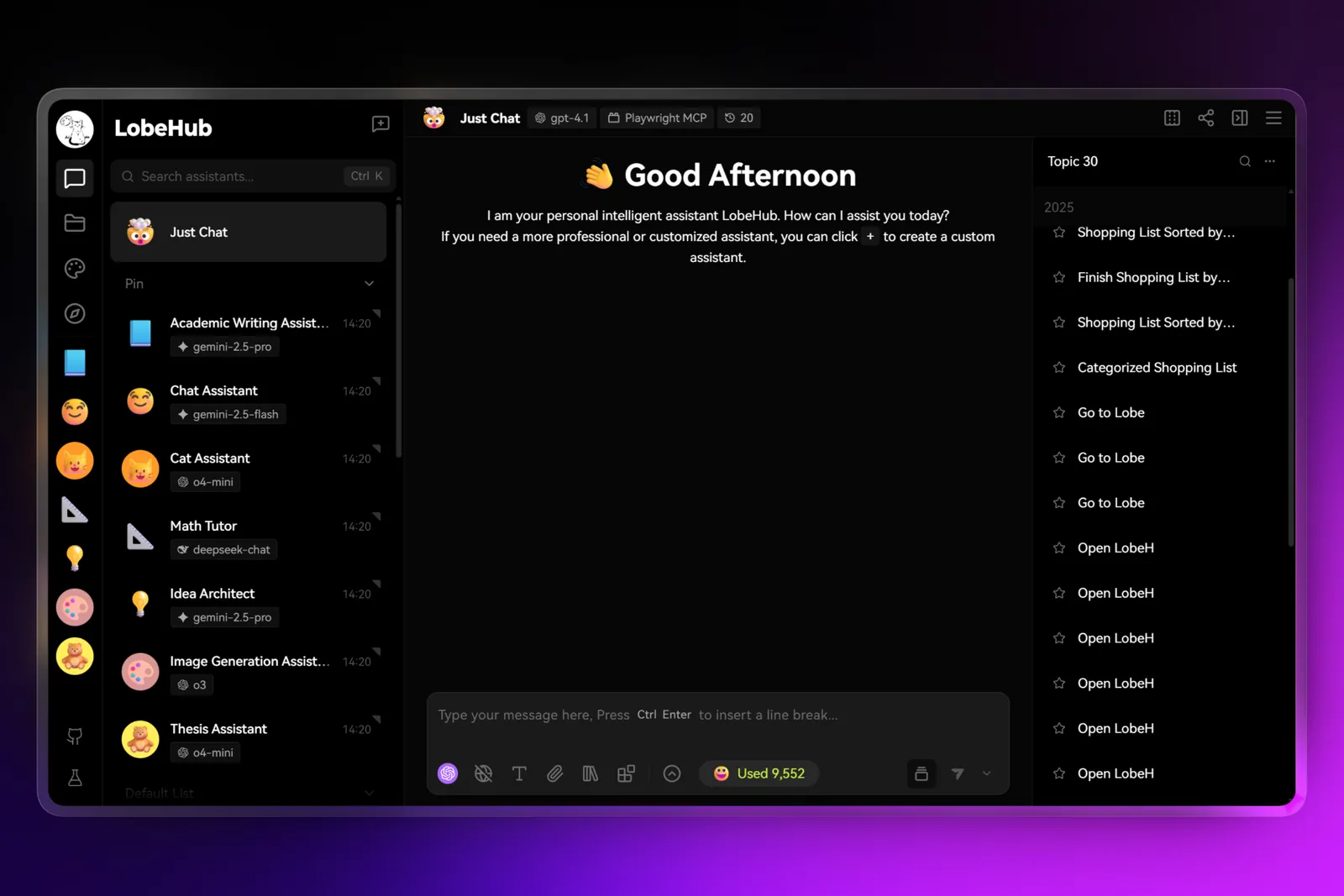
LobeHub is now available as a native desktop application for Windows and macOS. It includes system tray integration, native window controls, and keyboard shortcuts that feel at home on your operating system.

The desktop app matters most when you:

  • Want LobeHub available without keeping a browser tab open
  • Prefer native window management and alt-tabbing
  • Need system-level shortcuts for common actions
  • Work across multiple workspaces and want the app docked consistently

MCP, search, and SSO improvements

MCP protocol support has been enhanced with Streamable HTTP server support. Stdio MCP server installation is smoother, and environment variable parameters are now supported for more flexible server configurations.

Search adds Search1API as a new provider, and SearXNG now supports category and time-range selection for more targeted results.

SSO integration expands with Keycloak support, and the OIDC OAuth workflow has been refined for fewer friction points during authentication.

Model library updates

Coverage has expanded to keep provider evaluation and migration straightforward:

  • OpenAI: GPT-4.1 series, o3/o4-mini
  • Google: Gemini 2.5 Pro Experimental with reasoning token tracking
  • xAI: Grok 3 series
  • Anthropic, Mistral, Qwen, Ollama: latest model refreshes

Improvements and fixes

  • Performance stats: token generation throughput display, Aliyun Bailian token tracking, Google Gemini reasoning token statistics
  • Hotkey enhancements: shortcuts for clearing chat and deleting messages, plus full custom hotkey configuration
  • Tool calling: update tool-call arguments and re-trigger; local file plugins now support writing files
  • Error handling: copy and edit options available when errors occur
  • Web crawling: added crawler rules for Xiaohongshu

Credits

Huge thanks to these contributors:

@arvinxx @hezhijie0327 @Innei @nekomeowww @lobehub-team

v1.84.27 ~ v1.77.17

Customizable Hotkeys, Data Export, and Provider Expansion

Customizable Hotkeys, Data Export, and Provider Expansion

This March release focuses on everyday workflow improvements. Custom hotkeys let you set shortcuts that match your habits. Data export makes your conversations portable. New providers and better reasoning display round out the update.

Keyboard shortcuts that match your habits

Hotkeys are now customizable. You can remap common actions to keys that feel natural for your workflow rather than learning a preset layout.

New shortcuts have also been added for clearing conversations and deleting messages. If you prefer keyboard-driven workflows, these additions reduce the need to reach for the mouse during fast-paced sessions.

Export your data for backup and migration

Data export is now available for both PgLite and PostgreSQL backends. You can create backups of your conversations or migrate data between installations without manual database operations.

This matters most when you want to:

  • Archive important conversation histories
  • Move your setup to a new device or server
  • Keep a local backup alongside cloud storage

Expanded provider and reasoning support

Six new providers join the lineup: Xinference, Cohere, Search1API, Infini-AI, and PPIO. Each integrates into the existing provider selection flow without requiring additional configuration steps.

Reasoning models now have a dedicated content selector, and chain-of-thought display has been improved for Claude 3.7 and DeepSeek R1. The reasoning content is easier to read and navigate during long conversations.

Better web crawling for diverse content

Web crawling now handles more content types with dedicated support for YouTube, Reddit, and WeChat Official Account links. Short content extraction has been improved, and Search1API provides an additional crawler implementation for better coverage.

Model library updates

This release brings in several notable additions:

  • Google Gemini 2.5 Pro Experimental and Gemini 2.0 Flash variants
  • Anthropic context caching support
  • OpenAI gpt-4o-mini-tts voice model
  • DeepSeek-V3-0324
  • Hunyuan-T1-Latest
  • QwQ, QVQ-Max
  • Baidu Wenxin ernie-x1-32k-preview

Improvements and fixes

  • UI refinements: revamped Drawer styles, improved editor scrolling, clipboard screenshot sharing
  • Search enhancements: online search now works with non-function-calling models including DeepSeek R1; built-in web search added for Wenxin and Hunyuan
  • File handling: EPUB chunking support, improved PDF processing
  • Performance: refactored Agent Runtime, optimized database core code, fixed LiteLLM streaming statistics
  • Stability: resolved theme flickering, knowledge base behavior issues, and WeChat login problems

Credits

Huge thanks to these contributors:

@AmAzing129 @arvinxx @hezhijie0327 @tjx666 @lobehub-team

v1.77.17 ~ v1.67.2
LobeHub

Super-Agents on Your Team

Bring Super-Agents onto your team, starting today.