LobeHub
LobeHub

Changelog

Track new features, fixes, and improvements in LobeHub.

LobeHub v2.0 🎉

LobeHub v2.0 — Group Chat & Multi-Agent Collaboration 🎉

LobeHub v2.0 marks a practical shift from single-agent chat to real multi-agent collaboration. It also improves model configuration, introduces SSO-only mode, and brings desktop polish so day-to-day work feels steadier.

Group Chat for multi-agent work

The headline capability is multi-agent group chat. Instead of asking one Agent to handle every step, you can run multiple specialized Agents in one conversation and have them work around the same goal.

Build and evolve Agents faster

v2.0 also makes Agent creation easier. With Agent Builder, you can describe your goal in plain language and generate an Agent with tools, behaviors, skills, and personality in one flow.

After creation, you can publish to the marketplace, remix from community templates, or adopt an Agent directly into your Workspace and keep iterating.

Knowledge and workflow continuity

Knowledge workflows are more complete. You can write and organize documents with Pages, manage resources with folder-based knowledge organization, and use Agent Memory to carry forward preferences, style, goals, and prior project context.

Improvements and fixes

  • Added ExtendParamsTypeSchema for more flexible model configuration.
  • Updated Kimi K2.5 and Qwen3 Max Thinking.
  • Fixed Gemini 2.5 streaming behavior.
v2.1.5 ~ v2.0.1

MCP Cloud Endpoints and Model Library Expansion 🔌

MCP Cloud Endpoints and Model Library Expansion 🔌

In November, LobeHub continued improving model support and day-to-day usability. This update expands the MCP tool ecosystem with managed cloud endpoints, broadens provider coverage, and improves how teams organize knowledge and authenticate across platforms.

Managed MCP tools and new providers

MCP cloud endpoints now support marketplace integrations, removing the need to self-host every tool. Instead of maintaining infrastructure for each capability, you can connect to managed endpoints directly from the marketplace and expand your available tools from a single place.

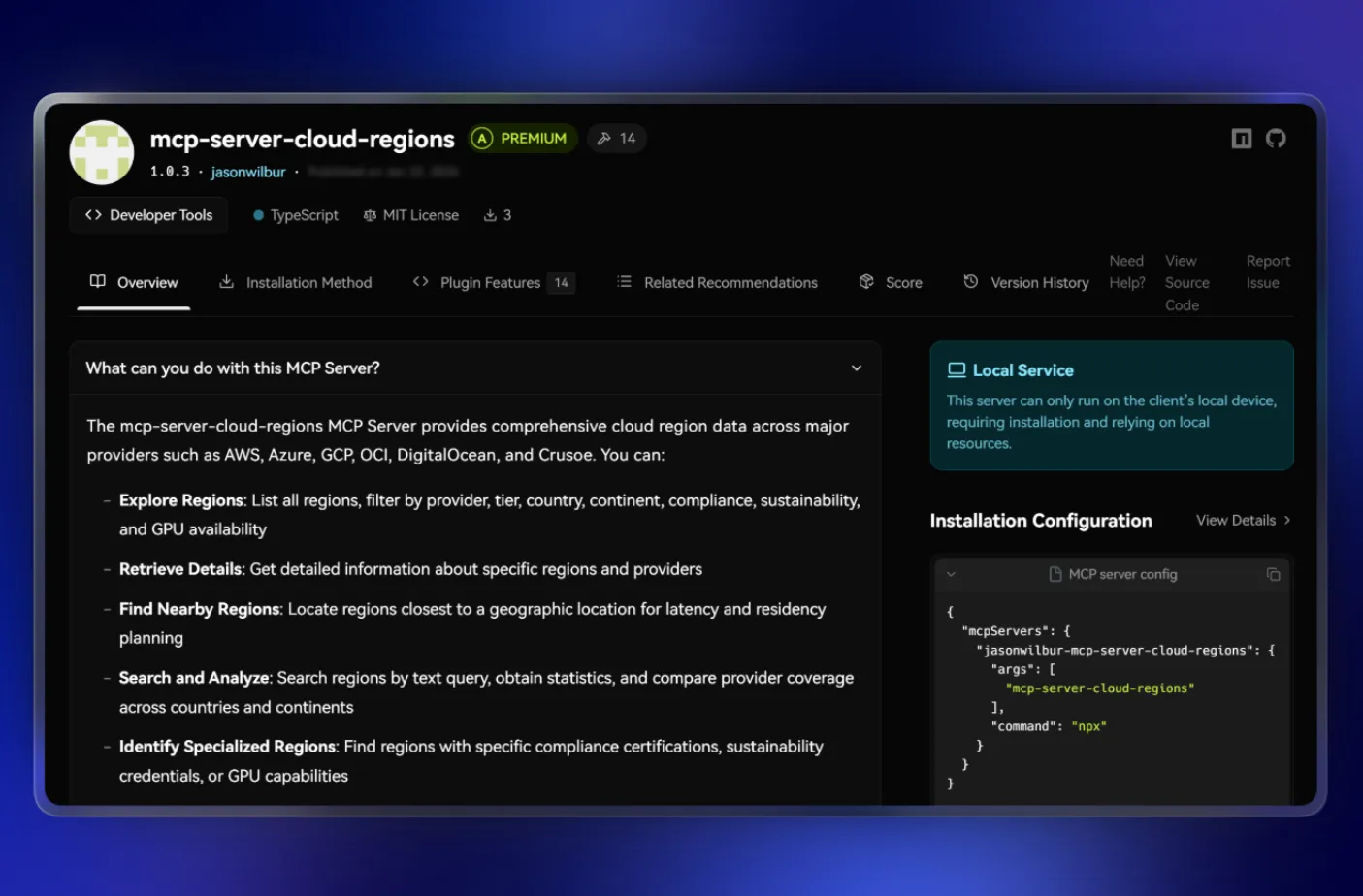
New AI provider support includes ZenMux, Nano Banana Pro, and Qiniu Cloud, giving teams more options when routing requests or evaluating new models.

Knowledge organization and authentication

The knowledge base now supports creating pages, making it easier to organize information hierarchically rather than relying on flat file structures. File management and RAG search improvements make day-to-day lookup more reliable.

OIDC authentication flow and desktop login experience are refined for smoother access across devices. Conversation workflows also gain topic hyperlink support and improved message editing and deletion behavior.

Improvements and fixes

  • Improved topic list interactions
  • Enhanced tool call display
  • Refined rich text editing
  • Optimized token usage statistics animations
  • Improved model selector sorting
v1.143.0 ~ v1.142.8

ComfyUI Integration and Knowledge Base Improvements ⭐

ComfyUI Integration and Knowledge Base Improvements ⭐

From October through November, LobeHub focused on making workflow-driven creation more practical. This release brings ComfyUI visual pipelines into your conversations, improves how teams organize knowledge at scale, and makes sharing outputs easier across formats.

Visual workflows and document export

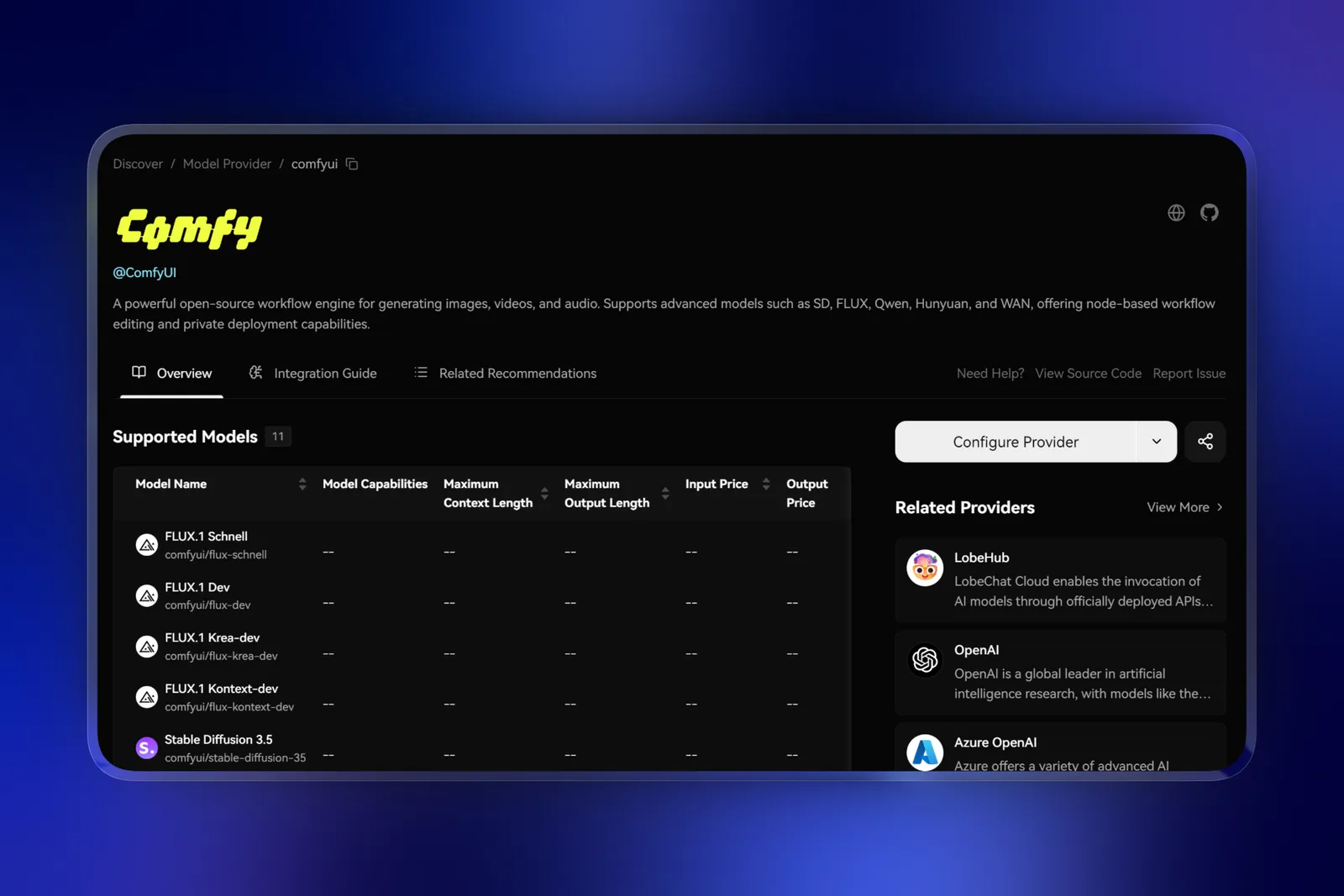
ComfyUI workflows are now part of LobeHub, letting you run existing visual pipelines without switching tools. Previously, teams using ComfyUI for image or video generation had to manage separate environments. Now you can bring those workflows directly into chat contexts and execute them alongside your AI conversations.

Document export also expands to support PDF, making it simpler to archive conversations for compliance or share structured outputs with stakeholders who need offline copies.

Knowledge organization at scale

Managing large knowledge bases gets smoother with two practical additions. The new waterfall layout makes scanning extensive file collections more efficient when you are browsing hundreds of resources. And automatic archive extraction during upload removes the manual step of unzipping before importing—drop a ZIP file and the system handles the rest. These changes reduce friction when onboarding team knowledge or maintaining large reference libraries.

Provider and model coverage

New provider support includes Cerebras and CometAPI, while image generation expands with SiliconFlow and Hunyuan Text-to-Image 3. The model library adds Claude Haiku 4.5, GPT-5 Pro, MiniMax-M2, and Imagen 4 for Vertex AI.

Improvements and fixes

  • Improved rich text link rendering
  • Enhanced search experience
  • Added option to disable rich text editing
  • Added hotkeys for delete and regenerate actions
  • Refined update notification behavior
v1.142.8 ~ v1.133.5

Claude Sonnet 4.5 and Built-in Python Plugin 🐍

Claude Sonnet 4.5 and Built-in Python Plugin 🐍

From September through October, LobeHub added a built-in Python execution environment, integrated Claude Sonnet 4.5, and improved how you navigate and edit content in long conversations.

Run Python code directly in chat

The new built-in Python plugin lets you execute Python code without leaving the conversation. Run calculations, transform data, or test snippets and see results immediately alongside your discussion.

This keeps your workflow in one place—no need to switch to a separate notebook or terminal when you need to verify something quickly.

The new chat list minimap gives you a condensed view of long conversations, making it easier to jump to specific sections without endless scrolling.

Richer editing and content handling

The rich text editor now supports math formulas, task lists, and parallel sending. This makes it easier to draft structured messages with mixed content types.

Qwen image editing is also available—edit images through Qwen models directly in the chat interface.

Model and provider updates

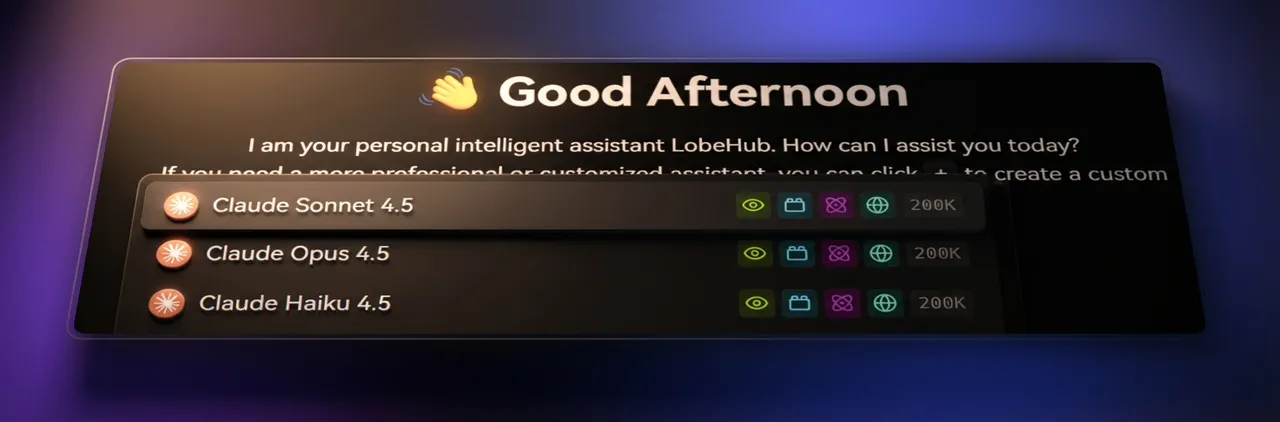
Claude Sonnet 4.5 brings Anthropic's latest reasoning capabilities to LobeHub. The release also adds Vercel AI Gateway as a provider, alongside Seedream 4.0, CometAPI, and NewAPI. Gemini 2.5 video understanding capabilities are updated.

Improvements and fixes

  • Chat input is now resizable for comfortable drafting
  • Mobile title display is improved
  • Base64 image syntax is now supported
  • .doc file parsing is more reliable
v1.133.5 ~ v1.120.7

Gemini Image Generation and Non-Streaming Mode Support 🎨

Gemini Image Generation and Non-Streaming Mode Support 🎨

From August through September, LobeHub expanded Gemini-related capabilities across image generation, response behavior, and model coverage. The goal was straightforward: make newer Gemini workflows easier to run in production while keeping your provider options open.

More ways to generate images

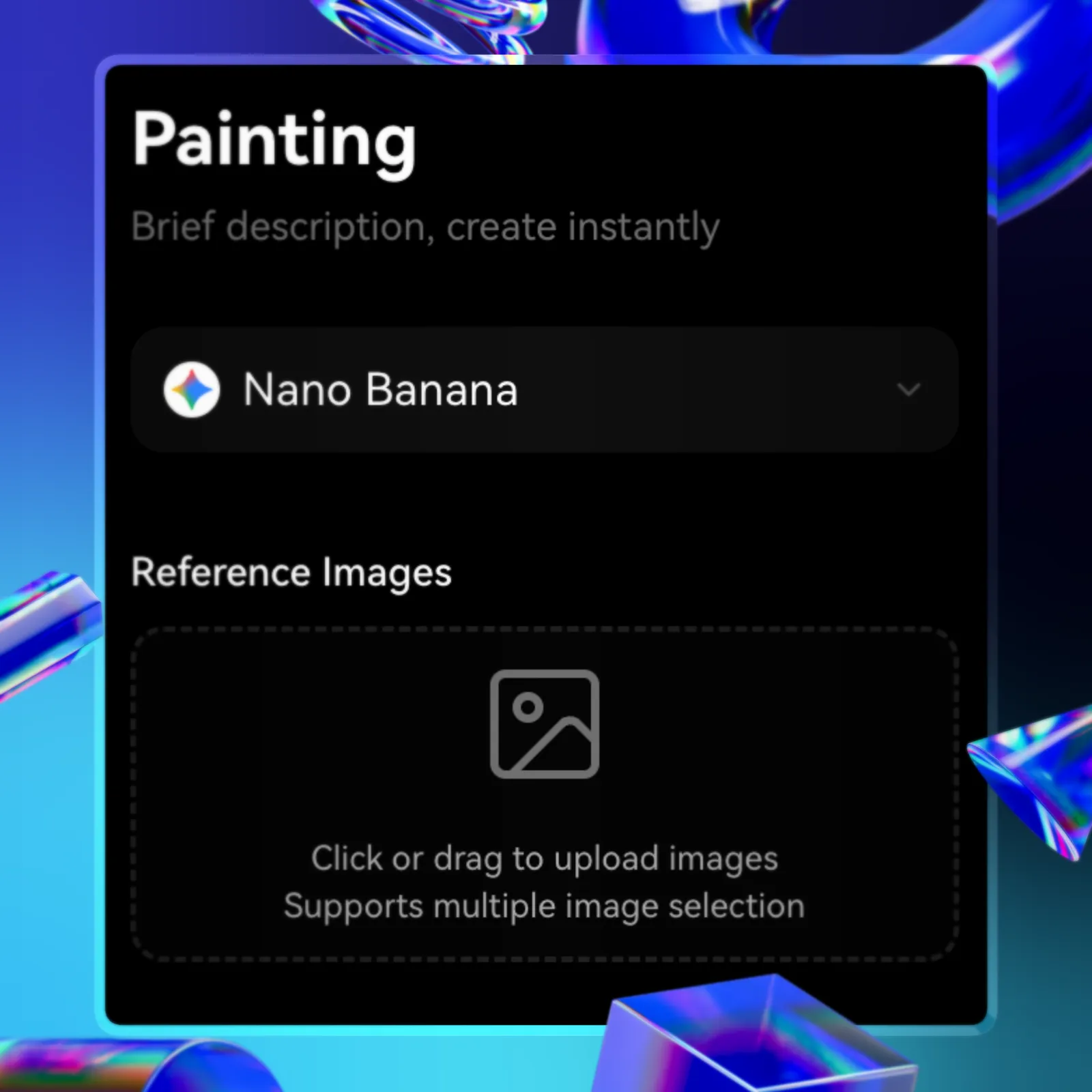
This release adds support for Gemini 2.5 Flash Image (Nano Banana) and Imagen 4 GA, alongside coverage for Nebius, AkashChat, and BFL. Azure OpenAI can now also handle image generation requests.

The new non-streaming response mode is useful when you need complete responses before displaying them—think batched processing, structured outputs, or integrations that expect synchronous results.

Use these updates to:

  • Generate images through Gemini models directly in chat
  • Switch between streaming and complete response modes based on your use case
  • Route image requests to newer providers as they become available

Model library additions

The model library now includes GPT-5 series, Claude Opus 4.1, Grok Code Fast 1, DeepSeek V3.1, and the Gemini URL Context Tool for grounded retrieval.

Improvements and fixes

  • Improved reasoning scroll mask effect
  • Added hotkeys for switching sessions
  • Enhanced mobile form controls
  • Refined Gemini error messaging
v1.120.7 ~ v1.109.1
LobeHub

Super-Agents on Your Team

Bring Super-Agents onto your team, starting today.