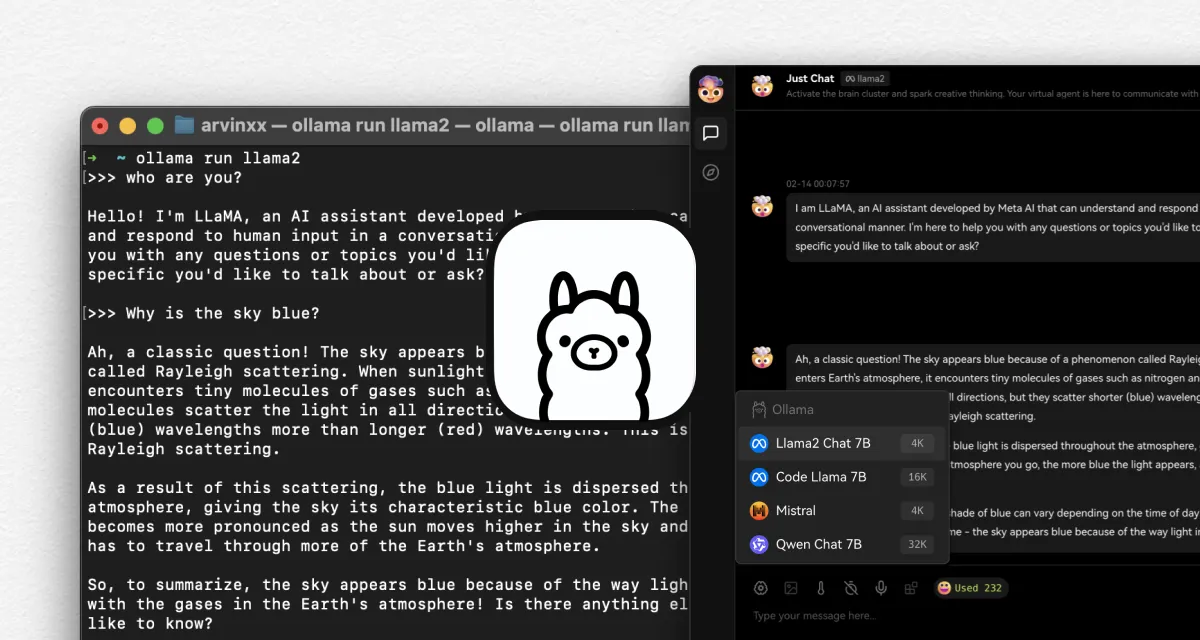
Cloud models are powerful, but sometimes you need data to stay local. Maybe it's a sensitive project. Maybe you want to experiment without API costs. Maybe you just like the idea of owning the entire stack. LobeHub v0.127.0 now supports Ollama, giving you the same chat experience whether your model lives in the cloud or on your machine.
No separate interface to learn. No workflow fragmentation. Just point LobeHub at your local Ollama instance and start chatting.
Connect Your Local Models in One Line
Getting started is straightforward. If you already have Ollama running, connect LobeHub with a single Docker command:

That's it. LobeHub detects your local models and makes them available in the same model switcher you use for GPT-4, Claude, and others. Mix cloud and local models in the same workspace depending on what each conversation needs.
When to Use Local Models
- Privacy-first work: Keep sensitive conversations on your machine
- Cost control: No per-token charges for experimentation
- Offline access: Continue working without internet connectivity
- Model testing: Evaluate open-source models before production deployment
Improvements and fixes
- Added automatic model discovery from Ollama endpoints
- Fixed streaming response handling for local model compatibility
- Improved error handling when Ollama service is unreachable
Credits
Huge thanks to the community contributor who made Ollama integration possible, and to the Ollama team for building accessible local AI infrastructure.
Version details
Features
- v0.126.0Support umami analytics.
What's fixed
- v0.126.5Fix middleware auth console error.
- v0.126.4Fix auth error in console, fix token tag usage display.
- v0.126.3Fix auth layout error.
- v0.126.2Fix OAuth throws an error on Vercel deploy.
- v0.126.1Add basePath to support subdirectory.
- v0.126.0The back button on the chat setting page can correctly return to the configured Agent chat page.